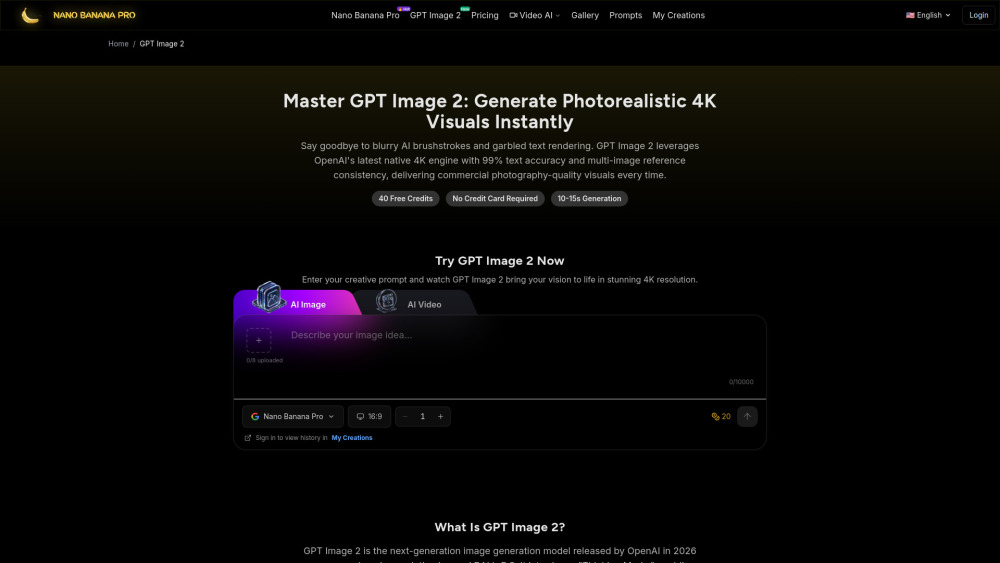
GPT Image 2 AI Image Generator
Say goodbye to blurry AI brushstrokes and garbled text rendering. Using newest GPT Image 2 model to get more controllable image results, support batch mode ,free to try
Screenshots
Overview
GPT Image 2 AI Image Generator directly tackles the common frustrations of AI imagery: blurry brushstrokes and garbled text. By leveraging the newest GPT Image 2 model, this tool offers significantly more controllable results, giving users greater command over the final output. It also supports batch mode, enabling the efficient production of multiple images at once, which is a valuable feature for larger projects or social media content calendars. The "free to try" aspect lowers the barrier to entry, allowing users to experience its capabilities without upfront commitment. It's tailored for creators who want a practical, input-driven generation experience that prioritizes clarity and user control.
How to Use
Describe your desired image in detail, then run the generator in single or batch mode. Check for accurate text and controllable details, and tweak prompts for better outcomes.
Core Features
Use Cases
- 1 E-commerce product photo retouching
- 2 A complex poster with text and graphics
- 3 Game character generation
- 4 Personal portrait photos style transfer
- 5 Create highly stylized works of art.
Frequently Asked Questions
Can I use GPT Image 2 generated images commercially?
What is the maximum resolution GPT Image 2 supports?
Can I generate multiple images at once with GPT Image 2?
Does GPT Image 2 work with non-English prompts?
How do I get the best results from GPT Image 2?
How much does it cost to use GPT Image 2?
How many reference images are supported?
Quick Info
- Category
- Image Generation & Editing
- Subcategory
- Text to Image
- Added on
- May 01 2026
- Monthly Visits
- --
- Rating
- 5.0 / 5.0
- Reviews
- 1


