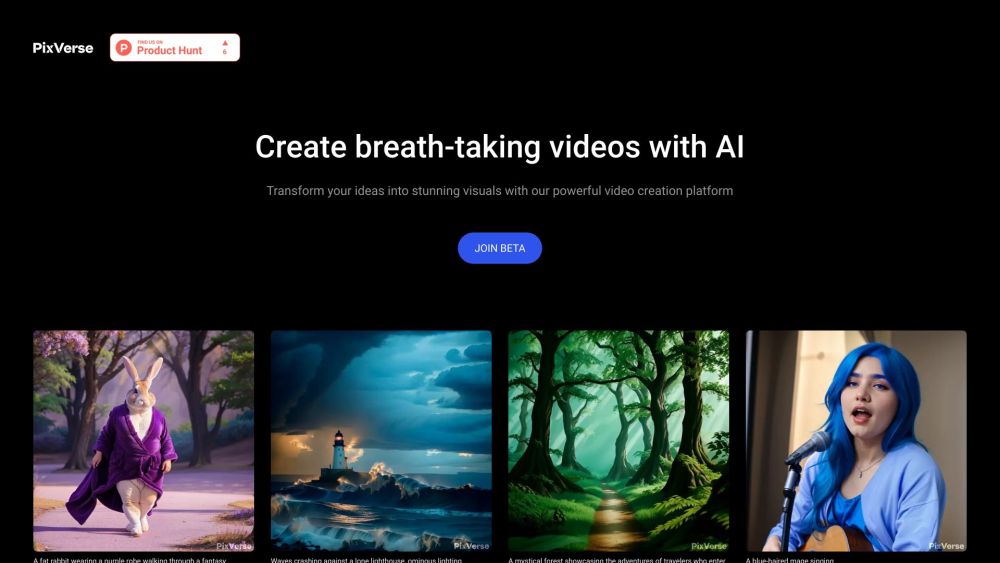
Veo 3
AI video generator with native audio and precise control.
Screenshots
Overview
Veo 3 is an AI video generator that pushes creative boundaries by producing videos with native audio and offering precise control over the output. Unlike simple text-to-video tools, Veo 3 allows users to dictate details and have the AI interpret them accurately, including syncing sound with the visuals. This makes it suitable for filmmakers, marketers, and content creators who need polished, dynamic clips without complex editing software. The inclusion of native audio means generated scenes are more immersive and realistic. With its focus on control, Veo 3 enables users to craft videos that closely match their original vision.
How to Use
Input a text prompt describing the scene you want, select desired style settings, and generate the video. Veo 3 adds native audio automatically and lets you refine results through iterative prompting to maintain precise control over the output.
Core Features
Use Cases
- 1 Filmmakers can accelerate their creative process, generate complex scenes, and explore new visual directions.
- 2 Content Creators can produce custom, high-quality videos that match their brand's style and message.
- 3 Visual Artists can transform their artistic vision into dynamic videos and experiment with different styles.
- 4 Storytellers can bring compelling narratives to life with consistent characters, natural motion, and integrated audio.
Frequently Asked Questions
What is Veo 3?
How does Veo 3 handle audio in videos?
How can I maintain consistency in my videos?
What kind of creative control does Veo 3 offer?
How long does it take to generate a video?
Can I use Veo 3 for commercial projects?
What makes Veo 3 different from other AI video generators?
How can I get started with Veo 3?
Quick Info
- Category
- Voice Generation & Conversion
- Subcategory
- AI Voice Generator
- Added on
- Jul 16 2025
- Monthly Visits
- --
- Rating
- 5.0 / 5.0