GPT Image 2
All-in-one AI image and video generator with advanced editing tools.
Screenshots
Overview
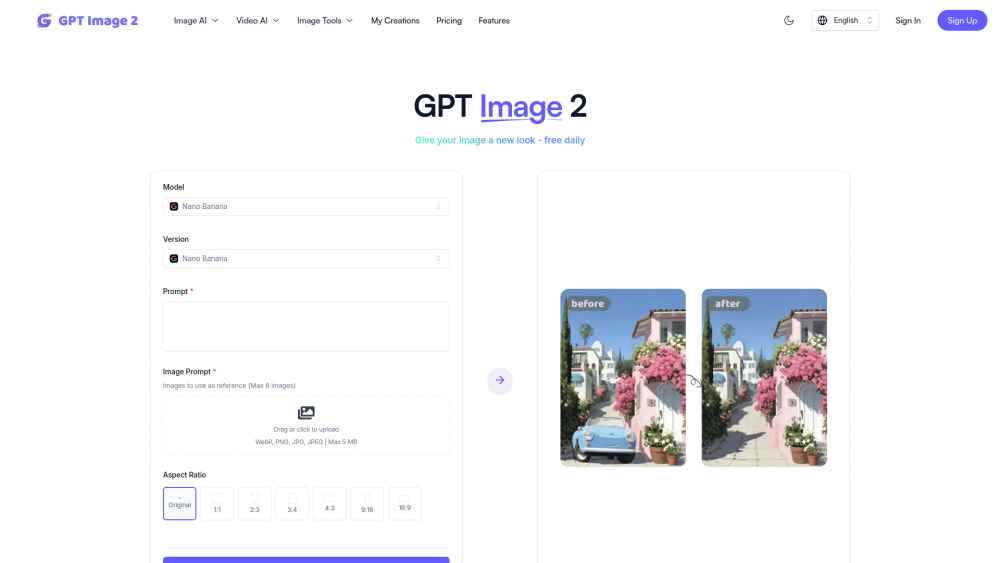
This all-in-one AI generator brings together image and video creation in a single, versatile platform. GPT Image 2 goes beyond simple generation by including advanced editing tools, letting users refine, adjust, and enhance their visuals after the initial render. It's designed for content creators, marketers, and designers who want a comprehensive solution rather than juggling multiple separate applications. The platform handles both creative ideation and practical polish, making it easier to produce cohesive visual stories across formats. Whether you're generating fresh imagery from scratch or improving existing assets, this tool focuses on combining creative flexibility with hands-on control.
How to Use
Upload an image or start from a text prompt, then apply edits or generate new visuals. Use the built-in editing tools to adjust details, and export the final image or video in your preferred format.
Core Features
Use Cases
- 1 Generating hyper-realistic character art and landscapes for digital projects
- 2 Creating professional marketing visuals and blog banners
- 3 Transforming static images into dynamic AI videos
- 4 Editing and enhancing existing photos to fix lighting or textures
- 5 Designing minimalist app icons and social media content
Frequently Asked Questions
What is GPT Image 2?
Can I use GPT Image 2 for free?
Can I use the generated content for commercial purposes?
Do unused credits roll over to the next month?
Quick Info
- Category
- Image Generation & Editing
- Subcategory
- Text to Image
- Added on
- May 01 2026
- Monthly Visits
- --
- Rating
- 5.0 / 5.0


