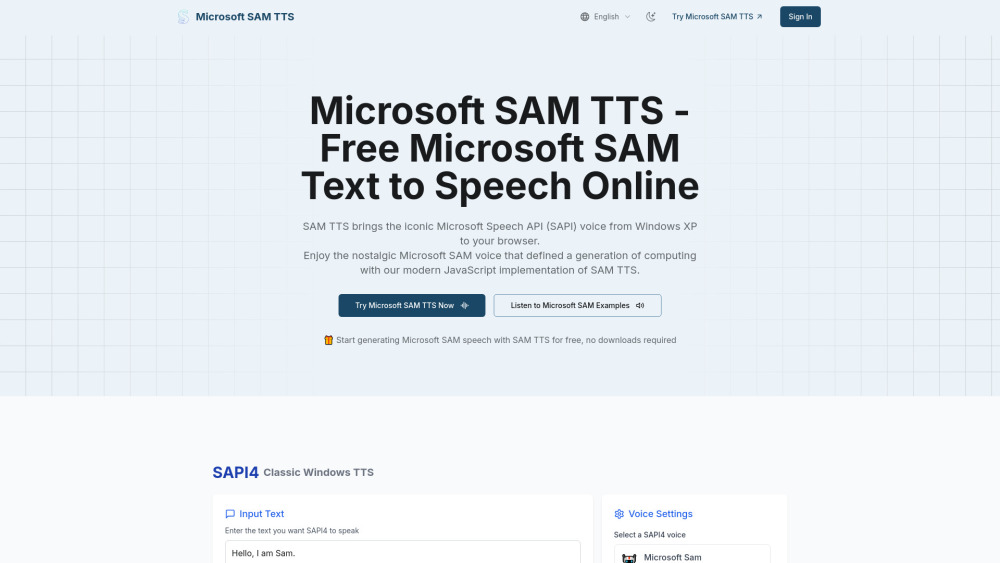
SAM TTS
Classic Microsoft SAM Text-to-Speech voice in your browser.
Screenshots
Overview
SAM TTS brings the classic Microsoft Sam text-to-speech voice directly into your browser, offering a nostalgic and functional way to generate audio from text. The tool is tailored for users who grew up with this iconic computerized voice, as well as for those who appreciate its unique, retro charm and clarity. Unlike many modern AI voice generators that aim for hyper-realism, SAM TTS focuses on simplicity and familiarity, making it a fun choice for memes, YouTube videos, or even accessibility purposes. It provides a quick, no-frills text-to-speech experience directly in the browser interface.
How to Use
Open the SAM TTS web tool in your browser. Type or paste your text into the input box, then select any available settings like speed or pitch. Click the speak button to hear the classic Microsoft Sam voice read your text aloud directly in the browser.
Core Features
Use Cases
- 1 Adding nostalgic Windows XP charm to applications, games, or creative projects
- 2 Generating speech for personal and commercial purposes
- 3 Creating audio for presentations or videos
- 4 Integrating speech synthesis into websites and applications
Frequently Asked Questions
What is Microsoft SAM Text-to-Speech?
How does Microsoft SAM TTS work?
What types of text work best with Microsoft SAM TTS?
What voice customization options are available in SAM TTS?
Can I use Microsoft SAM TTS in my own projects?
Is there an API available for Microsoft SAM TTS developers?
Quick Info
- Category
- Voice Generation & Conversion
- Subcategory
- AI Voice Generator
- Added on
- Aug 02 2025
- Monthly Visits
- 98.3K
- Rating
- 5.0 / 5.0