GPT Image 1.5 AI
AI image generator for stunning visuals from text and images.
Screenshots
Overview
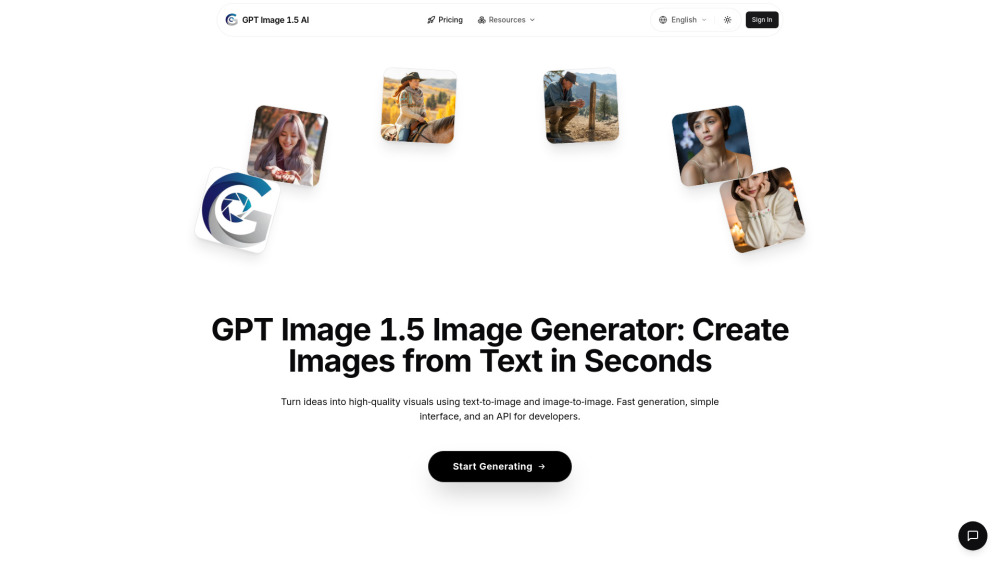
GPT Image 1.5 AI is an AI-driven image generator that creates stunning visuals from both text prompts and input images. It takes your ideas—however vague or detailed—and translates them into polished artwork, while also allowing you to modify or reimagine existing photos. The focus is on producing attractive, coherent results with good composition and color. It's a versatile option for beginners exploring AI art, social media creators, or small business owners needing fast, decent-quality images.
How to Use
Generating images with GPT Image 1.5 involves three simple steps: 1. Enter Your Prompt: Describe your vision in natural language, being as creative or specific as you want. 2. AI Generation: GPT Image 1.5 processes your prompt and generates high-quality images in seconds. 3. Download & Use: Download your images instantly and use them anywhere, including web, social media, or print.
Core Features
Use Cases
- 1 Digital Art & Design (create concept art, illustrations, visual designs)
- 2 E-commerce & Products (generate product mockups, lifestyle images, visual content for stores)
- 3 Marketing & Ads (produce eye-catching visuals for campaigns, social media, advertisements)
- 4 Gaming & Entertainment (design characters, environments, and assets for games and creative projects)
Frequently Asked Questions
Q:What is the latest GPT Image 1.5 model for AI image generation? A:GPT Image 1.5 is an OpenAI-style model that generates high-quality images from text and image inputs (note: it is not a Google product). Q:How can I use the GPT Image 1.5 Image Generator? A:Enter a text prompt or upload a reference image, then generate and download your visual. Q:Why is the GPT Image 1.5 model better for SEO and content creation? A:Its strong text rendering and detail make images suitable for blogs, ads, and social content. Q:Is the GPT Image 1.5 Image Generator free to use? A:It offers free credits to start, with paid plans for heavier use. Q:How do GPT Image 1.5 AI credits work? A:Each generation consumes credits based on size and complexity; credits refill per plan or purchase. Q:What's the difference between monthly and yearly plans? A:Yearly plans cost less per month and suit regular users; monthly plans offer flexibility. Q:Can I switch plans or cancel anytime? A:Yes, you can upgrade, downgrade, or cancel your plan anytime. Q:Do pay-as-you-go credits expire? A:Pay-as-you-go credits may expire after a set period; check the terms for details. Q:Which payment methods are supported? A:Common methods like credit/debit cards and major online payments are supported. Q:What is your refund policy? A:Refund policy varies; review the terms or contact support for eligibility. Q:How do I contact support? A:Reach support via the contact or help page on the GPT Image 1.5 site. Q:Can I invite teammates or share credits? A:Team features depend on the plan; higher tiers may allow sharing or multiple seats. Q:What happens if I exceed my credits? A:Generation pauses until credits refill or you upgrade or buy more.
Quick Info
- Category
- Image Generation & Editing
- Subcategory
- Text to Image
- Added on
- Dec 17 2025
- Monthly Visits
- --
- Rating
- 5.0 / 5.0




