DeepBrain AI
AI video generator with AI avatars and voiceovers, and AI human technology for kiosks.
Screenshots
Overview
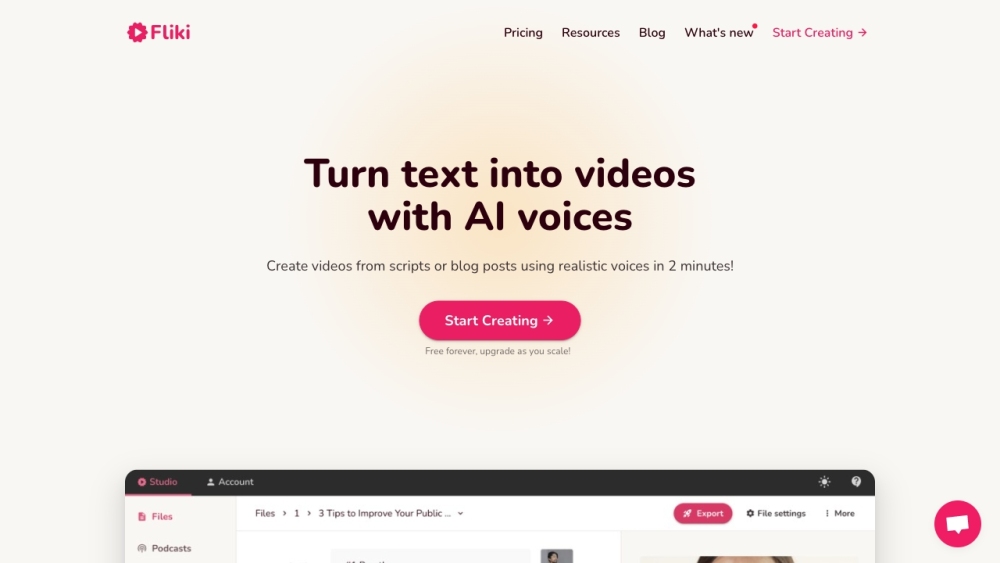
DeepBrain AI offers an AI video generator called AI Studios, which allows users to create studio-quality videos with AI avatars and voiceovers in 80+ languages by simply typing in text. It also provides AI human technology for AI kiosks, enabling anyone to use them as easily as talking to a real person. Inside the kiosk, an AI human appears as a receptionist to help customers with their inquiries 24/7.
How to Use
To use AI Studios, start by generating a script by uploading a URL or document, providing a prompt, or typing it in. Then, customize the video by choosing an avatar and voice, adding text, images, and animations. Collaborate with your team and generate the video, translating it into multiple languages if needed. Share the link or embed it anywhere.
Core Features
Use Cases
- 1 Learning & Development videos
- 2 Social Media content
- 3 Advertisements
- 4 Marketing videos
- 5 Broadcast News
- 6 E-Learning Videos
- 7 AI Brand Ambassador
- 8 AI Bank Teller
- 9 AI Customer Service Agent
- 10 AI Tutor and Teachers
Frequently Asked Questions
What is the best way to convert text to video? What are the benefits of using an AI video generator? Do AI video generators support multi-language? How can AI be used to generate video scripts?
Quick Info
- Category
- Voice Generation & Conversion
- Subcategory
- AI Voice Generator
- Added on
- Apr 28 2023
- Monthly Visits
- --
- Rating
- 5.0 / 5.0
- Saved
- 18