VoiceType
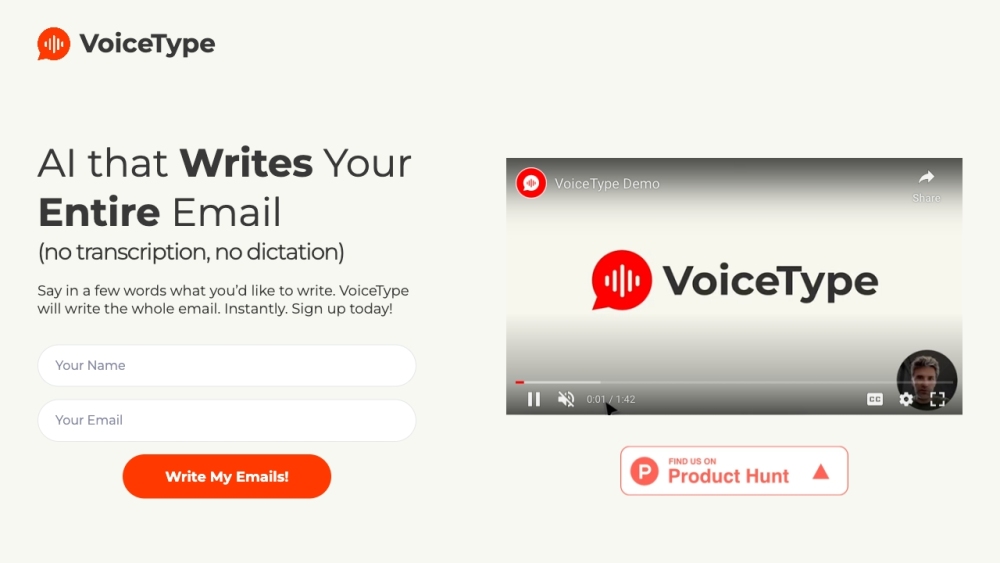
AI assistant that writes emails from short voice prompts in Gmail.
5.0
Rating
--
Visits/mo
Screenshots
Overview
VoiceType is a Chrome browser extension that helps you write emails faster. It appears when you compose or reply in Gmail. By clicking on VoiceType, you activate the microphone and describe what you want to write. VoiceType then uses AI to write the entire email from your short voice prompt, without requiring transcription or dictation.
How to Use
How to use VoiceType? Install the VoiceType Chrome extension. When composing or replying to an email in Gmail, click the VoiceType icon. Speak a short prompt describing the email you want to write. VoiceType will then generate the complete email for you.
Core Features
VoiceType's Core Features AI-powered email generation from voice prompts Gmail integration Contextual replies Grammar and spelling correction
Use Cases
- 1 VoiceType's Use Cases
- 2 Writing emails faster by describing the content instead of typing
- 3 Generating professional and polite emails
- 4 Creating emails when struggling with writing or having dyslexia
- 5 Replying to emails based on the email thread context
Frequently Asked Questions
VoiceType is an AI assistant that writes Gmail email replies from short voice prompts — just speak your intent and it drafts a complete response for you. It is built for anyone who wants faster email writing, including people with dyslexia, supports multiple languages and regions, keeps your communication private, and only reads the emails you ask it to process.
For details, please visit the official website of VoiceType.
Quick Info
- Category
- Writing & Editing
- Subcategory
- AI Writing Assistants
- Added on
- Mar 07 2023
- Monthly Visits
- --
- Rating
- 5.0 / 5.0


