StudySyncUp
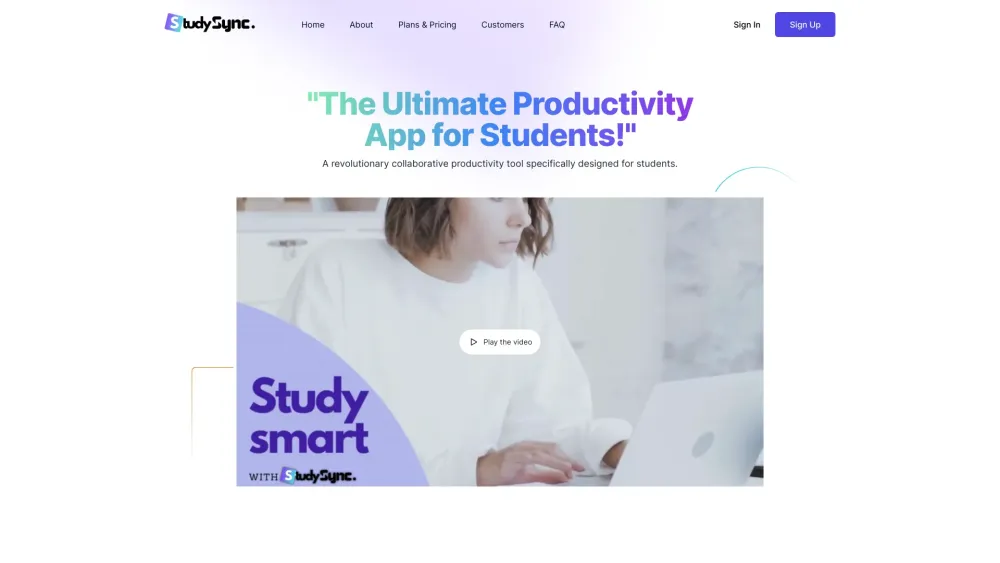
StudySyncUp is an all-in-one study and collaboration platform with AI-powered productivity tools.
Screenshots
Overview
StudySyncUp brings together studying, collaboration, and AI-powered productivity in a single platform. It helps students and study groups organize their work, streamline communication, and stay on top of deadlines with smart tools that reduce friction. By combining scheduling, document sharing, and intelligent assistance, the platform supports more effective group work and individual focus. Whether preparing for exams or managing a semester-long project, users can keep everything in one place and let AI handle the busywork so they can spend more time learning.
How to Use
Start by creating a study group or joining an existing one. Upload study materials, set shared goals, and use the AI productivity tools to generate summaries, quiz questions, and track progress. Collaborate in real time with peers to stay aligned on tasks and deadlines.
Core Features
Use Cases
- 1 StudySyncUp's Use Cases
- 2 Students can use StudySyncUp to organize their assignments, take notes, collaborate with classmates, and get AI assistance with their studies.
- 3 Teachers can use StudySyncUp to share assignments, track student progress, and facilitate collaboration.
Frequently Asked Questions
What is the difference between the monthly and yearly plans?
How do I cancel my subscription?
What happens if I cancel my subscription?
How do I start a trial?
Quick Info
- Category
- Writing & Editing
- Subcategory
- AI Writing Assistants
- Added on
- May 14 2024
- Monthly Visits
- --
- Rating
- 5.0 / 5.0


