Pastey
AI-powered context-aware clipboard extension for smart pasting and instant text rewriting.
Screenshots
Overview
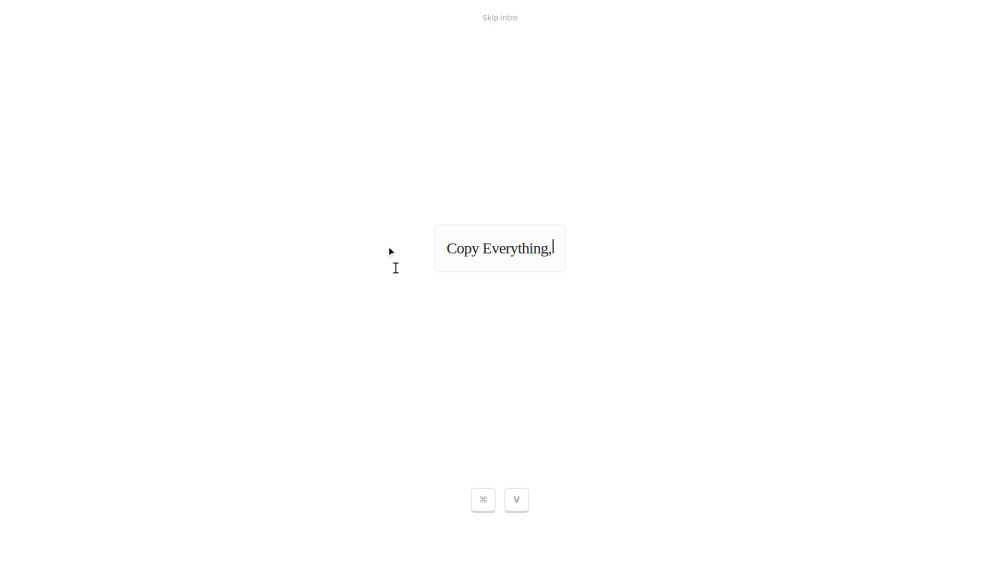
Pastey is an AI-powered browser extension that reimagines the standard copy-paste workflow. Instead of just being a clipboard, it is a context-aware tool woven into your browser flow. By holding the ⌘+V shortcut, users can access 'Smart Paste,' which adapts text to its destination, or use 'Inline Rewrite' to transform the tone of selected text instantly. It includes a searchable history, automatic detection of 2FA codes, and data masking for sensitive information like credit cards. Built with a local-first approach, it ensures that clipboard data and context are stored and indexed privately on the user's device.
How to Use
How to use Pastey? Install the Pastey extension and use your browser as normal. To use its AI features, hold ⌘+V (or Ctrl+V) to trigger the context-aware paste menu. To rewrite text, select the existing text and paste over it to instantly change its tone or polish the writing.
Core Features
Use Cases
- 1 Pastey's Use Cases
- 2 Changing a casual Slack message into a professional tone by selecting and pasting.
- 3 Adapting raw data or notes to fit the specific formatting of a coding environment or document.
- 4 Quickly retrieving a specific 2FA code or a link from the searchable clipboard history.
- 5 Masking sensitive credit card information while managing clipboard data.
Frequently Asked Questions
Trigger Pastey's AI features by selecting any text and activating the extension through its shortcut or menu to smart-paste or rewrite it instantly. Pastey works on most websites that support text input, and your clipboard data is only processed when you actively use a feature.
Quick Info
- Category
- Writing & Editing
- Subcategory
- AI Writing Assistants
- Added on
- Feb 25 2026
- Monthly Visits
- --
- Rating
- 5.0 / 5.0





