Olle
AI-powered toolbar assistant for seamless workflow and enhanced productivity.
Screenshots
Overview
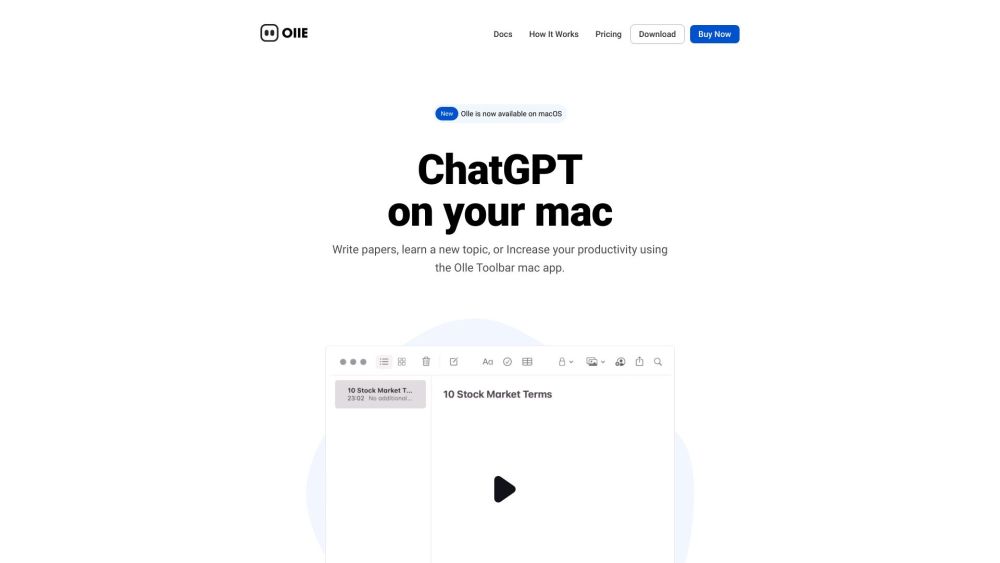
Olle is an AI-powered toolbar assistant that sits conveniently on your desktop, ready to streamline workflows and boost productivity. It is designed to minimize context switching by providing quick access to AI-powered actions without disrupting your current screen. Users can invoke Olle to summarize content, generate text, translate, or execute custom workflows directly from their toolbar. This makes it an excellent companion for busy professionals, developers, and creatives who need rapid assistance while working with multiple applications. By bringing advanced AI capabilities directly into your workflow, Olle helps users save time and stay focused on their core tasks.
How to Use
Install the Olle toolbar extension and connect it to your work apps. It learns your workflow and suggests shortcuts, automates repetitive tasks, and provides context-aware actions. Simply click its icon to receive real-time prompts and manage your tasks without switching tabs.
Core Features
Use Cases
- 1 Olle's Use Cases
- 2 Answering complex questions
- 3 Writing emails
- 4 Automating tasks
- 5 Generating content
- 6 Boosting creativity
- 7 Streamlining workflows
Frequently Asked Questions
What is Olle?
Where does Olle work?
Is my data secure with Olle?
What makes Olle different from ChatGPT?
Quick Info
- Category
- Writing & Editing
- Subcategory
- AI Writing Assistants
- Added on
- Sep 14 2023
- Monthly Visits
- --
- Rating
- 5.0 / 5.0