mark•r
AI browser plugin for interactive web content exploration and conversational queries.
Screenshots
Overview
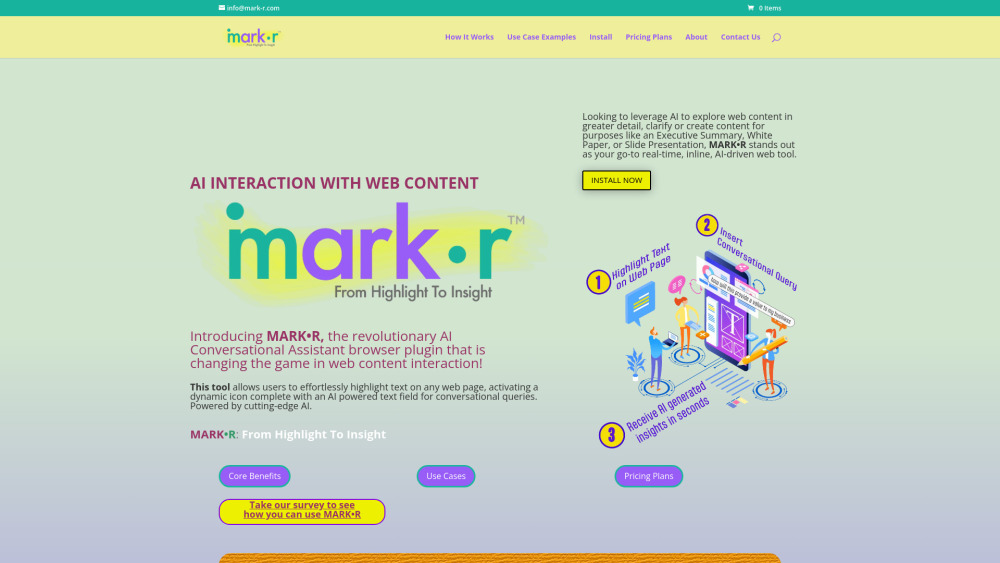
mark•r is an AI-powered browser plugin that transforms how you interact with web content. It facilitates exploratory browsing and conversational queries, allowing users to actively engage with the information on a page rather than passively reading it. By enabling interactive Q&A sessions with the content, this tool helps users gain deeper insights, clarify complex topics, and extract relevant information more efficiently. It is perfect for researchers, students, and avid internet users who want to better understand online material through a dynamic, question-and-answer approach directly within their browser.
How to Use
Install the mark•r browser plugin and activate it on a webpage you want to explore. Highlight any interactive element—text, images, or buttons—and ask questions or request summaries in natural language. The plugin responds with insights or actions, making web content more queryable and interactive.
Core Features
Use Cases
- 1 mark•r's Use Cases
- 2 Research & Academic Study: Quickly gain insights or clarifications on complex topics or terminology found within academic papers or online articles.
- 3 Interactive Learning & Exploration: Explore topics in depth by asking follow-up questions or requesting related topics based on highlighted text.
- 4 Health Information Interpretation: Query highlighted text in medical articles for further explanations or simplifications of medical terminologies.
- 5 Professional & Technical Assistance: Clarify jargon, acronyms, or complex technical concepts in technical documents or legal texts.
- 6 Content Creation & Writing Assistance: Ask for synonyms, writing tips, or inspiration on how to develop ideas further within drafts or research materials.
- 7 Financial Literacy & Investment: Highlight terms or data in financial news to ask for explanations, historical context, or expert interpretations.
- 8 Age and/or Audience Interpretation: Write a message that resonates with all audiences.
- 9 Email Response Suggestion: Craft suggested responses to emails by highlighting the sender's email.
Frequently Asked Questions
mark•r is an AI browser plugin that lets you interactively explore any web page and ask conversational questions about its content. It boosts learning and comprehension, improves productivity by summarizing pages, and assists with content creation and analysis.
Quick Info
- Category
- Writing & Editing
- Subcategory
- AI Writing Assistants
- Added on
- Jul 08 2024
- Monthly Visits
- --
- Rating
- 5.0 / 5.0



