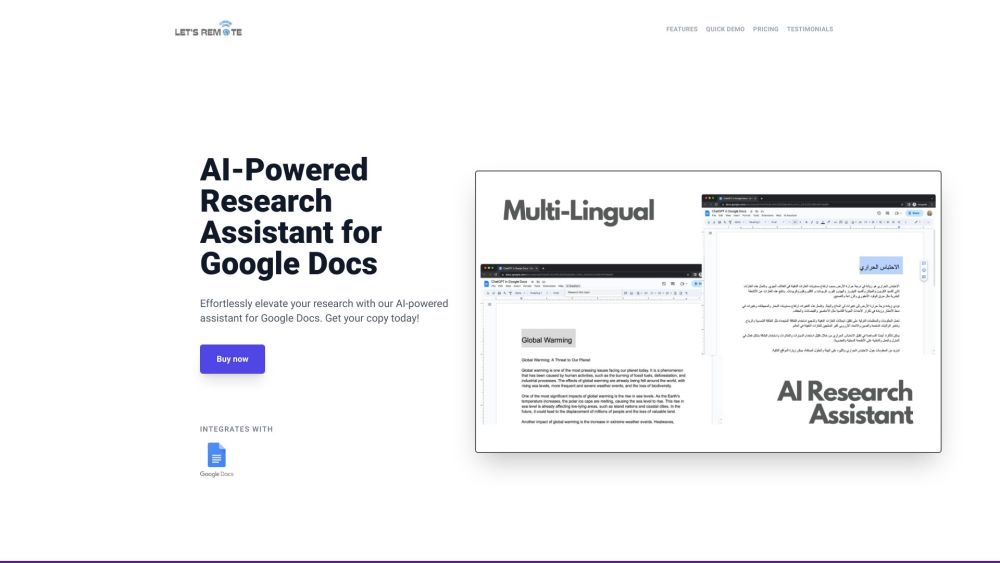
Google Docs AI-Assistant Extension
AI-powered Google Docs extension for writing, research, and editing assistance.
Screenshots
Overview
Google Docs AI-Assistant Extension is a browser extension that brings AI-powered support directly into Google Docs. It offers assistance across writing, research, and editing tasks, helping users craft better content without leaving their document. Whether you need help generating ideas, structuring paragraphs, improving grammar, or quickly finding information, the extension integrates these capabilities into your workflow. This makes it a convenient tool for students, writers, and professionals who rely on Google Docs for daily work. It's essentially a smart writing companion that enhances productivity and content quality within your existing document environment.
How to Use
Install the Google Docs AI-Assistant extension and open a new or existing document. Highlight text or open the sidebar to generate content, ask questions for research, or request edits. Review the AI’s suggestions inline and accept or reject changes directly in your document.
Core Features
Use Cases
- 1 Google Docs AI-Assistant Extension's Use Cases
- 2 Generating high-quality text for various writing tasks.
- 3 Conducting research directly within Google Docs.
- 4 Editing and improving existing text.
- 5 Saving time on content creation.
Frequently Asked Questions
The Google Docs AI-Assistant extension adds AI-powered writing, research, and editing help directly inside Google Docs. Install it from the Chrome Web Store and start using it immediately in any document.
Quick Info
- Category
- Writing & Editing
- Subcategory
- AI Writing Assistants
- Added on
- May 30 2023
- Monthly Visits
- --
- Rating
- 5.0 / 5.0
- Saved
- 1



