FotoAI Keyboard
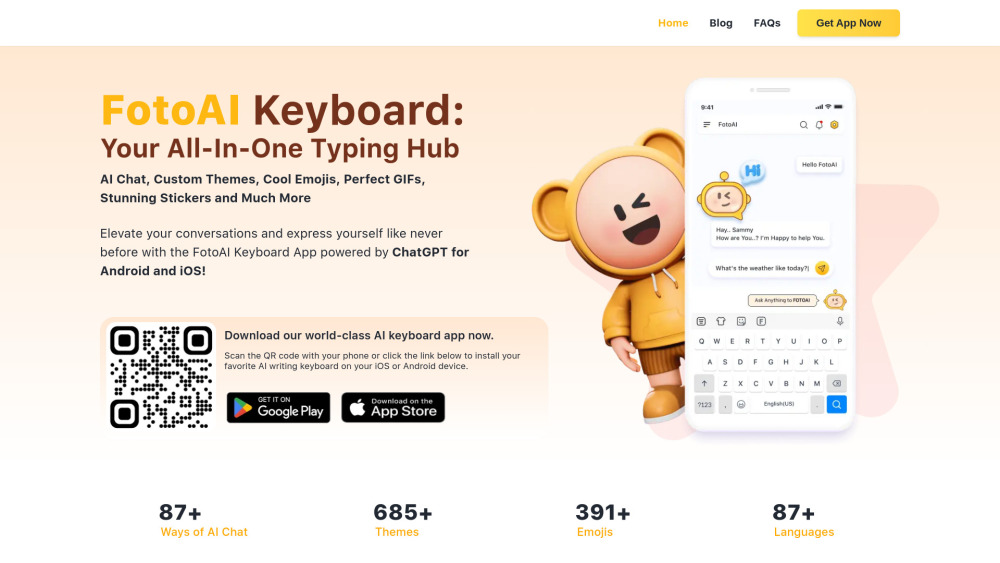
FotoAI Keyboard: Customizable keyboard app with themes, AI chat, emojis, and content creation tools.
Screenshots
Overview
FotoAI Keyboard is a customizable keyboard app that pairs themed looks with AI-powered features. Beyond standard typing, it includes an AI chat assistant, a library of emojis, and content creation tools all accessible from your keyboard. This makes it a versatile choice for anyone who wants to do more than just type, whether that's generating quick responses, finding the perfect emoji, or crafting messages with a personal touch. It turns an everyday utility into a source of entertainment and productivity.
How to Use
Install FotoAI Keyboard on your device, then set it as your default keyboard. Access its AI chat for text generation, browse emoji sets, and create content on the fly; customize themes in the settings.
Core Features
Use Cases
- 1 FotoAI Keyboard's Use Cases
- 2 Personalize your keyboard with custom themes and designs.
- 3 Use AI chat for smarter and faster communication.
- 4 Express yourself with a wide range of emojis and stickers.
- 5 Generate creative content for social media.
- 6 Translate texts into your preferred language.
Frequently Asked Questions
What is FotoAI Keyboard?
What features does FotoAI Keyboard offer?
Is FotoAI Keyboard available for both Android and iOS?
How can I customize my keyboard with FotoAI Keyboard?
Quick Info
- Category
- Writing & Editing
- Subcategory
- AI Writing Assistants
- Added on
- Sep 06 2024
- Monthly Visits
- --
- Rating
- 5.0 / 5.0


