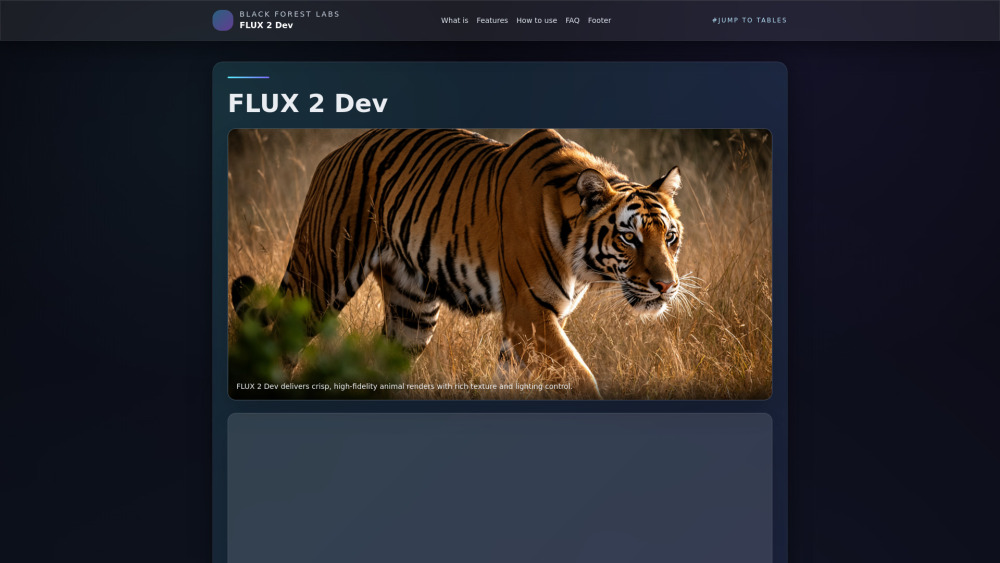
Flux 2
Open-weight rectified flow Transformer for image generation and editing.
Screenshots
Overview
Flux 2 is an open-weight rectified flow Transformer designed for high-quality image generation and editing. It represents a significant technical leap in the field, using a rectified flow architecture to produce more coherent, detailed, and photorealistic images from text prompts, as well as supporting advanced editing tasks. This model is aimed at researchers, developers, and AI enthusiasts who want a powerful, accessible foundation for building custom image generation applications or for integrating state-of-the-art visual AI into their own projects.
How to Use
Access Flux 2 through its API or a compatible interface, and input a text prompt or an initial image for editing. Set parameters like resolution, guidance scale, or steps to control output quality. Run the model to generate or edit the image, then iterate on the prompt or settings to refine results. Use multimodal inputs, such as text and image, for combined workflows.
Core Features
Use Cases
- 1 Product marketing: Creating brand-consistent ad creatives, hero banners, and multi-language posters.
- 2 Creative pipelines: Generating concept art, storyboards, character sheets, and animation keyframes with multi-reference consistency.
- 3 Interactive experiences: Developing edge-hosted filters, avatars, and social thumbnails via Workers AI or custom RTX endpoints.
- 4 Ad creatives, hero banners, 3D concept art, product renders, interactive filters, avatars, rapid prototyping.
Frequently Asked Questions
What is FLUX 2 Dev?
How is FLUX 2 different from FLUX.1?
How many steps should I use?
Does FLUX 2 Dev support multi-reference?
Can I run FLUX 2 Dev on a single GPU?
How to deploy FLUX 2 Dev at the edge?
What resolutions does FLUX 2 Dev support?
How good is FLUX 2 Dev at text rendering?
What are best practices for prompting FLUX 2 Dev?
Where can I find FLUX 2 Dev resources?
Quick Info
- Category
- Image Generation & Editing
- Subcategory
- Text to Image
- Added on
- Nov 26 2025
- Monthly Visits
- --
- Rating
- 5.0 / 5.0


