Flux 2
Open-weight rectified flow Transformer for image generation and editing.
Screenshots
Overview
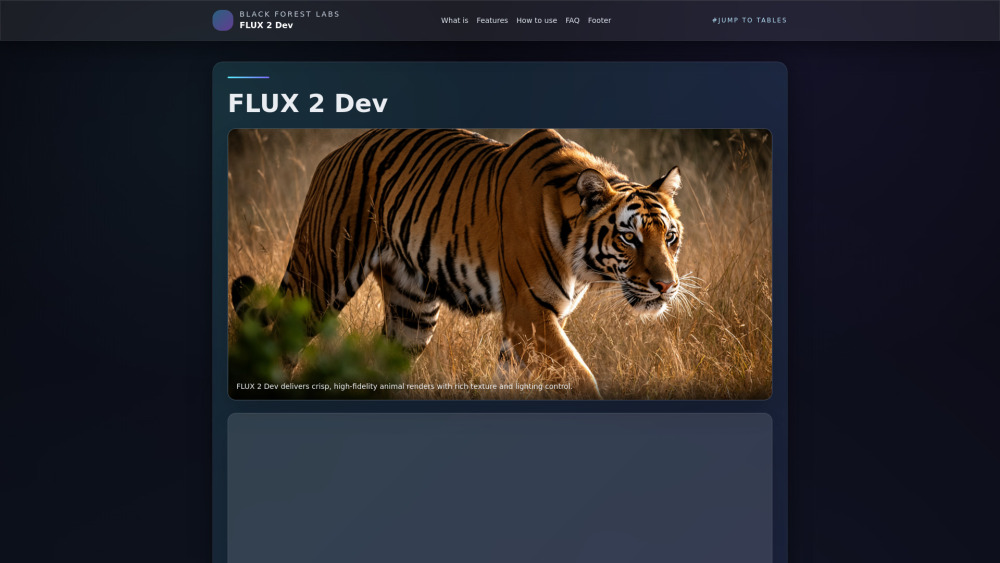
FLUX 2 Dev (FLUX.2-dev) is a frontier-level, open-weight rectified flow Transformer for image generation and editing, developed by Black Forest Labs. It integrates a 32B rectified flow core, a long-context vision–language model (VLM), and multi-reference editing capabilities to produce production-grade visuals. It is designed for various applications including high-fidelity animal renders, ad creatives, hero banners, 3D concept art, product renders, interactive filters, and avatars.
How to Use
FLUX 2 Dev can be utilized through several platforms: Hugging Face Diffusers (Python), Cloudflare Workers AI, and ComfyUI. For Hugging Face, users can import `Flux2Pipeline` to perform text-to-image generation, specifying prompts, inference steps (12-20 for drafts, 28-40 for production), and guidance scale (3-5). For Cloudflare Workers AI, deployment involves using the `env.AI.run` API with the `@cf/black-forest-labs/flux-2-dev` model for edge inference. ComfyUI integration requires updating the software, downloading `.safetensors` checkpoints, and loading pre-made templates, which can be extended with control nodes or LoRA adapters.
Core Features
Use Cases
- 1 Product marketing: Creating brand-consistent ad creatives, hero banners, and multi-language posters.
- 2 Creative pipelines: Generating concept art, storyboards, character sheets, and animation keyframes with multi-reference consistency.
- 3 Interactive experiences: Developing edge-hosted filters, avatars, and social thumbnails via Workers AI or custom RTX endpoints.
- 4 Ad creatives, hero banners, 3D concept art, product renders, interactive filters, avatars, rapid prototyping.
Frequently Asked Questions
What is FLUX 2 Dev?
How is FLUX 2 different from FLUX.1?
How many steps should I use?
Does FLUX 2 Dev support multi-reference?
Can I run FLUX 2 Dev on a single GPU?
How to deploy FLUX 2 Dev at the edge?
What resolutions does FLUX 2 Dev support?
How good is FLUX 2 Dev at text rendering?
What are best practices for prompting FLUX 2 Dev?
Where can I find FLUX 2 Dev resources?
Quick Info
- Category
- Image Generation & Editing
- Subcategory
- Text to Image
- Added on
- Nov 26 2025
- Monthly Visits
- --
- Rating
- 5.0 / 5.0




