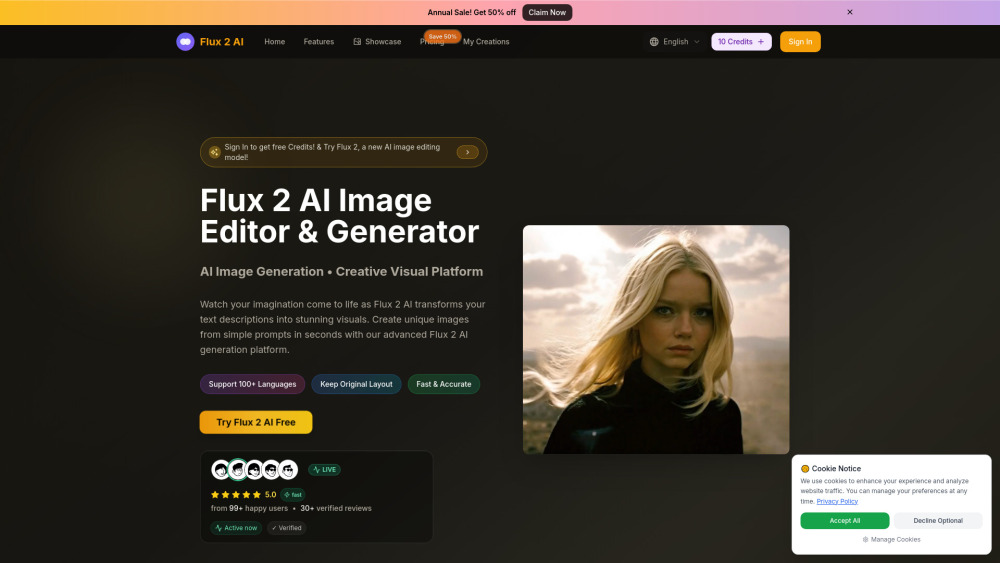
Flux 2
AI image editor and generator transforming text into stunning visuals.
Screenshots
Overview
Flux 2 is an AI-powered image editor and generator that turns text prompts into striking visuals. But it goes beyond simple text-to-image: it also supports editing existing photos, meaning you can modify elements, change styles, or enhance details with natural language instructions. Whether you're a graphic designer in need of quick concept art or a marketer creating social media visuals, Flux 2 gives you a fast, flexible creative workflow without needing deep technical skills.
How to Use
Open Flux 2 and type a description of the image you want to generate on the text prompt field. Choose a style or aspect ratio if available, then click generate to see the AI render your text into a visual. For editing, upload an existing image and select a preset or type instructions for modifications. Fine-tune the output with iterative prompts until satisfied, then download the result.
Core Features
Use Cases
- 1 Create professional product images for e-commerce
- 2 Restore old or damaged photos
- 3 Generate virtual try-on visuals for clothing or accessories
- 4 Swap backgrounds in images
- 5 Edit text within photos or add captions
- 6 Design unique avatars for profiles or branding
Frequently Asked Questions
What is the best free AI image editor?
How to use Flux 2 AI?
Do I need to be an artist to use it?
How does Flux 2 AI compare to other tools?
What formats can I download the images in?
Is there a limit to the number of images I can generate?
How long does it take to generate an image?
Why Use Flux 2 AI?
What is a good and free online AI image generator?
Is there a mobile app for Flux 2 AI?
Quick Info
- Category
- Image Generation & Editing
- Subcategory
- Text to Image
- Added on
- Nov 26 2025
- Monthly Visits
- --
- Rating
- 5.0 / 5.0


