Floyo
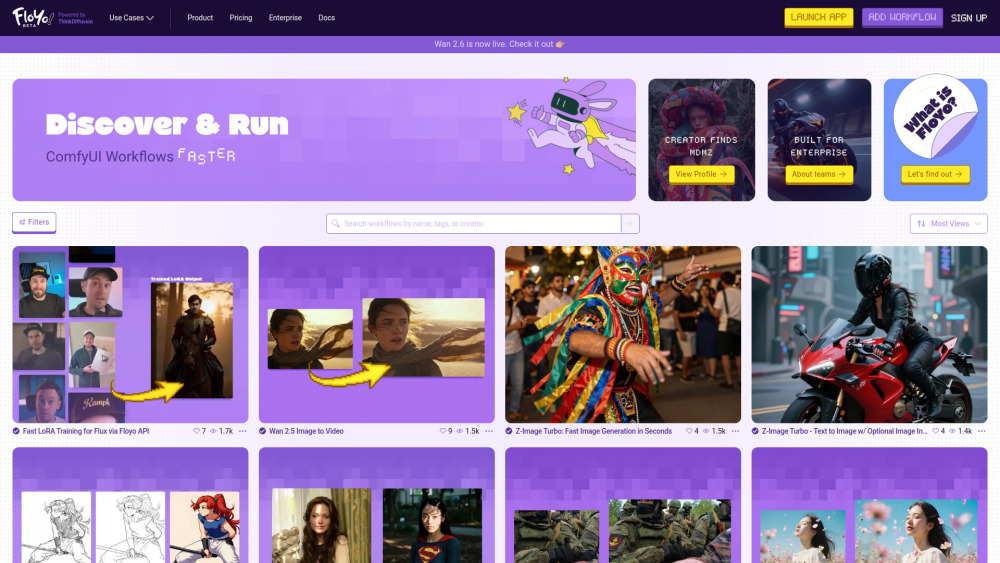
Browser-based ComfyUI for easy workflow discovery, building, and running with zero setup.
Screenshots
Overview
Floyo is a browser-based platform for ComfyUI, the popular node-based interface for AI image generation. It eliminates the hassle of local installation and setup, letting you discover pre-built workflows, customize them visually, and run them directly from your browser. Whether you're a beginner exploring stable diffusion for the first time or an experienced user who wants a more portable, shareable environment, Floyo makes AI creativity accessible with zero technical overhead.
How to Use
Open Floyo in your browser with no installation required. Browse the library of pre-built workflows to find one that suits your task, or start from scratch using the node-based canvas. Connect nodes to build your pipeline, then run it directly in the browser. Save workflows for reuse and share them with others for easy collaboration.
Core Features
Use Cases
- 1 Filmmaking & Animation
- 2 Character Consistency
- 3 LoRA Training
- 4 Image to Video generation
- 5 Text to Image generation
- 6 Video to Video restyling
- 7 Sketch to Image conversion
- 8 Inpainting and Outpainting
- 9 Upscaling
- 10 Enterprise and Studio solutions
Frequently Asked Questions
What is Floyo?
Do I need to install anything to use Floyo?
Can I use my own custom nodes and models?
Is there a free plan available?
What is FloTime?
Quick Info
- Category
- Image Generation & Editing
- Subcategory
- Text to Image
- Added on
- Dec 19 2025
- Monthly Visits
- 115.1K
- Rating
- 5.0 / 5.0


