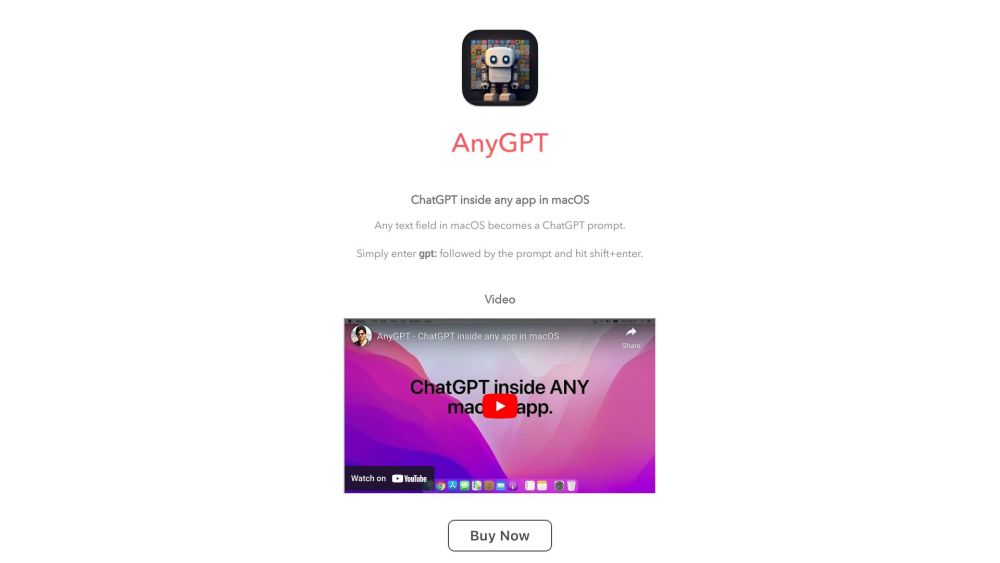
AnyGPT
AnyGPT integrates ChatGPT into any Mac app, turning text fields into AI prompts.
Screenshots
Overview
AnyGPT is a powerful utility that brings the capabilities of ChatGPT to virtually any application on your Mac. It operates by integrating with the system, allowing you to turn any text field into an AI prompt. This means you can draft emails, rewrite sentences, summarize documents, or brainstorm ideas directly within the app you're already using, without needing to copy and paste between windows. It's a significant productivity booster for anyone who writes frequently, offering seamless AI assistance across your entire workflow, from email clients and coding environments to note-taking apps and browser fields.
How to Use
Install AnyGPT on your Mac, then enable it in System Settings. Once active, select any text field in any app, and use a keyboard shortcut to open a ChatGPT prompt. The AI response gets inserted directly into that field, turning every text box into an AI assistant.
Core Features
Use Cases
- 1 AnyGPT's Use Cases
- 2 Generating text, code, or suggestions directly within any application.
Frequently Asked Questions
AnyGPT turns any text field in your Mac apps into an AI prompt powered by ChatGPT. Just type or select text anywhere and send it to ChatGPT without switching apps.
Quick Info
- Category
- Writing & Editing
- Subcategory
- AI Writing Assistants
- Added on
- May 30 2023
- Monthly Visits
- --
- Rating
- 5.0 / 5.0
- Saved
- 1



