AnyGPT
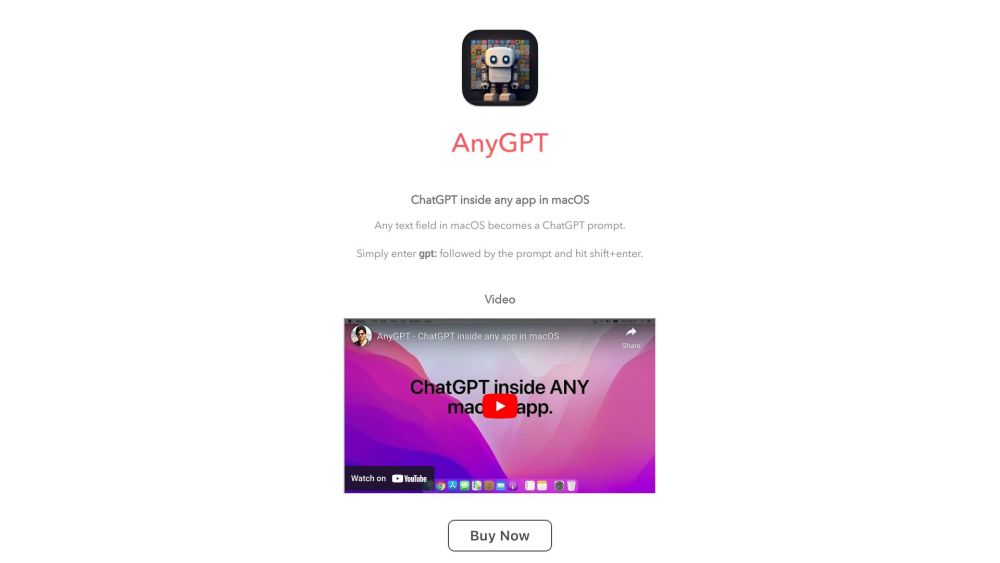
AnyGPT integrates ChatGPT into any Mac app, turning text fields into AI prompts.
5.0
Rating
1
Saved
--
Visits/mo
Screenshots
Overview
AnyGPT puts ChatGPT inside any app on your Mac. Essentially any text field in macOS becomes a ChatGPT input prompt. Simply enter gpt: followed by the prompt and hit enter. Ex. in iMessage type gpt: suggest 10 holiday spots near New York & hit Shift+Enter.
How to Use
How to use AnyGPT? Enter 'gpt:' followed by your prompt in any macOS text field, then hit Shift+Enter.
Core Features
AnyGPT's Core Features ChatGPT integration into macOS apps
Use Cases
- 1 AnyGPT's Use Cases
- 2 Generating text, code, or suggestions directly within any application.
Frequently Asked Questions
AnyGPT turns any text field in your Mac apps into an AI prompt powered by ChatGPT. Just type or select text anywhere and send it to ChatGPT without switching apps.
For details, please visit the official website of AnyGPT.
Quick Info
- Category
- Writing & Editing
- Subcategory
- AI Writing Assistants
- Added on
- May 30 2023
- Monthly Visits
- --
- Rating
- 5.0 / 5.0
- Saved
- 1