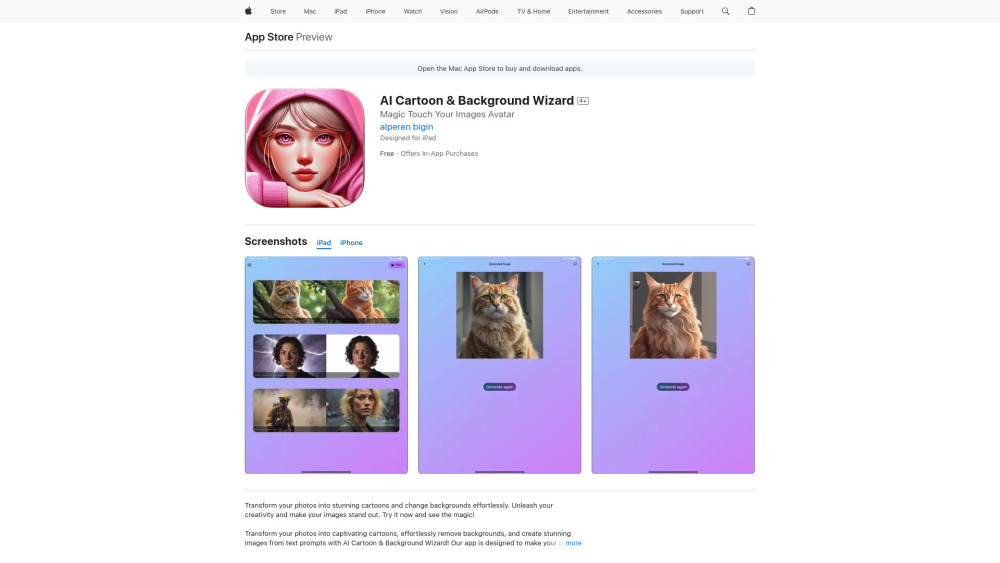
AI Cartoon & Background Wizard
iOS app for cartooning photos, removing backgrounds, and generating images from text.
Screenshots
Overview
AI Cartoon & Background Wizard is an iOS application designed to streamline media editing by combining three core functions: converting photos into cartoons, removing image backgrounds, and generating images from text prompts. The app brings a suite of powerful AI algorithms directly to your iPhone or iPad, making professional editing techniques accessible to everyone. The cartoon feature applies artistic filters that transform standard portraits into animated-style artwork; the background remover uses edge-detection AI to cleanly isolate subjects; and the text-to-image generator lets you create new visuals from scratch. The wizard-style interface guides users through each process step by step, ensuring intuitive use. This tool is perfect for creating social media content, designing marketing materials, or just having fun with photo effects on the go.
How to Use
Download the app and open it on your iOS device. For cartooning, select an image from your library and hit 'Cartoonize'. To remove backgrounds, choose 'Remove BG' and adjust the result with a touch tool if needed. For text-based generation, type your prompt into the dedicated module and click 'Generate'. Save all final images to your camera roll.
Core Features
Use Cases
- 1 Creating unique profile pictures and avatars
- 2 Highlighting subjects by removing unwanted backgrounds
- 3 Generating custom graphics and illustrations from text
Frequently Asked Questions
What are the main features of this iOS app?
Can I use it for quick social media content?
Does it require any special skills to use?
Quick Info
- Category
- Image Generation & Editing
- Subcategory
- Text to Image
- Added on
- Jul 03 2024
- Monthly Visits
- --
- Rating
- 5.0 / 5.0
- Saved
- 1





