Sayline
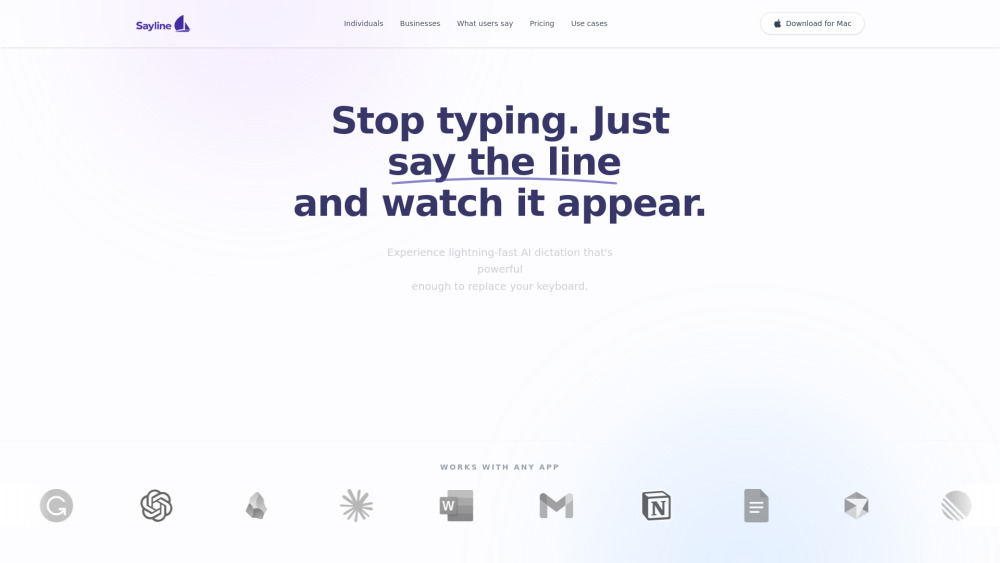
Private, local macOS voice dictation app that replaces typing in any text field.
Screenshots
Overview
Sayline is a voice dictation application built exclusively for macOS, with a strong emphasis on privacy and speed. It operates entirely on-device, ensuring your spoken words never leave your computer. This local processing also means it works fast and offline, letting you insert text into practically any field—be it emails, documents, or search bars. For users who prefer speaking over typing or need to produce text hands-free, it offers a seamless, intuitive way to replace the keyboard with natural language in their daily workflow.
How to Use
Install the app on your Mac, then grant microphone and accessibility permissions. Click the dictation button or use a keyboard shortcut in any text field. Start speaking, and your words appear as text in real time. Review and edit as needed.
Core Features
Use Cases
- 1 Sayline's Use Cases
- 2 Drafting emails in Gmail or Outlook
- 3 Sending quick updates on Slack or WhatsApp
- 4 Coding or taking notes in VS Code or dedicated note apps
- 5 Generating prompts for AI models
Frequently Asked Questions
Is Sayline really a one-time payment?
Does Sayline work offline?
Can I try Sayline before buying?
Which apps does Sayline work with?
Quick Info
- Category
- Writing & Editing
- Subcategory
- AI Writing Assistants
- Added on
- Jan 30 2026
- Monthly Visits
- --
- Rating
- 5.0 / 5.0





