SpeechGenius - Chrome Extension
AI-powered speech-to-text tool for fast and accurate transcription.
Screenshots
Overview
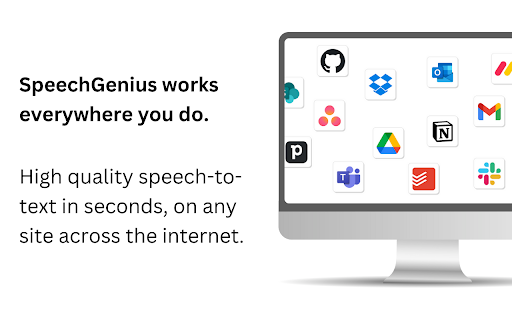
SpeechGenius is a Chrome extension that brings AI-powered speech-to-text capabilities directly into your browser. It converts spoken words into accurate, readable text with impressive speed, making it ideal for professionals, students, journalists, and anyone who prefers dictating over typing. Whether you're drafting emails, taking meeting notes, or transcribing interviews, this tool streamlines the process. By eliminating the need for manual transcription, SpeechGenius helps users save time and boost productivity, all within the familiar environment of their everyday browser.
How to Use
Install SpeechGenius from the Chrome Web Store, then click its icon on any page. Press the microphone button and start speaking; it will transcribe your speech into text in real-time. Copy the output or use it directly in forms, emails, or documents.
Core Features
Use Cases
- 1 SpeechGenius ai chrome extension's Use Cases
- 2 Writing emails
- 3 Filling out forms
- 4 Drafting documents
- 5 Commenting on websites
Frequently Asked Questions
How accurate is SpeechGenius?
Where can I use SpeechGenius?
How does SpeechGenius improve workflow?
Quick Info
- Category
- Writing & Editing
- Subcategory
- AI Writing Assistants
- Added on
- Jun 29 2024
- Monthly Visits
- 64
- Rating
- 4.0 / 5.0
- Reviews
- 8






