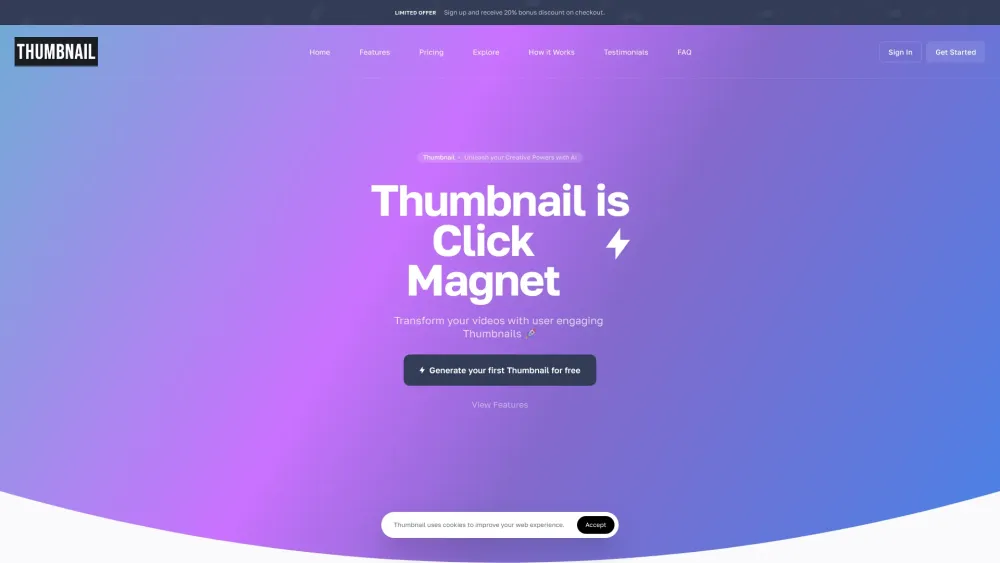
Thumbnail.BOT
AI-powered platform for creating thumbnails and various content with AI tools.
Screenshots
Overview
Thumbnail.BOT is an AI-powered platform designed to help users create engaging thumbnails for their videos and content. It leverages artificial intelligence to generate captivating thumbnails automatically from titles, offers a drag-and-drop editing interface, and provides real-time p. Beyond thumbnails, the platform also includes a suite of AI tools such as an AI Writer, AI Image Generator, AI Code Generator, AI Chat Bot, AI Speech To Text, and AI VoiceOver, making it a comprehensive content creation assistant.
How to Use
How to use Thumbnail.BOT? To use Thumbnail.BOT, first input key details about your content, such as the title or topics, for the AI to understand your needs. The AI will then generate 3 thumbnail options for you to choose from. Finally, you can pick one thumbnail to make final adjustments using the editor or download it in your preferred format, ready for use across platforms.
Core Features
Use Cases
- 1 Thumbnail.BOT's Use Cases
- 2 Transforming videos with user-engaging thumbnails
- 3 Supercharging video and content visibility and appeal
- 4 Automatically creating captivating thumbnails from a title
- 5 Personalizing thumbnails with brand logos
- 6 Generating high-quality texts instantly for content creation
- 7 Creating eye-catching images and graphics
- 8 Generating high-quality code for development
- 9 Getting instant answers with an AI chatbot
- 10 Transcribing speech into text
- 11 Creating engaging voiceovers for projects
- 12 Generating captivating post titles, product descriptions, and ad copy
- 13 Summarizing large texts
- 14 Improving YouTube video discoverability with tags and descriptions
Frequently Asked Questions
Q:Is there a cost to use Thumbnail? A:The platform offers free tools plus paid plans that unlock extra features and credits. Q:Is Thumbnail easy to use for beginners? A:Yes, it is designed with a simple interface so beginners can create thumbnails quickly. Q:How does Thumbnail's AI work? A:Its AI generates images and thumbnails from text prompts and templates. Q:Can I translate the script into another language? A:Yes, you can translate your scripts into multiple languages. Q:Is there a mobile app for Thumbnail? A:Yes, a mobile app is available so you can create and edit thumbnails on the go. Q:Can I export my created Thumbnails and Art? A:Yes, you can download your creations in various formats and sizes. Q:What makes the AI Writer an indispensable tool for content creation? A:It quickly generates scripts, captions, and copy that pair perfectly with your visuals. Q:Are there any limits to the AI Writer? A:Free users face usage limits, which are lifted or expanded on paid plans. Q:What is the Thumbnail Editor? A:It is an editing tool for fine-tuning thumbnails with text, effects, and layout controls. Q:Can I export my created thumbnails and AI generated documents? A:Yes, both thumbnails and AI-generated documents can be exported for use anywhere.
Quick Info
- Category
- Writing & Editing
- Subcategory
- AI Writing Assistants
- Added on
- Apr 15 2024
- Monthly Visits
- --
- Rating
- 5.0 / 5.0
- Saved
- 2


