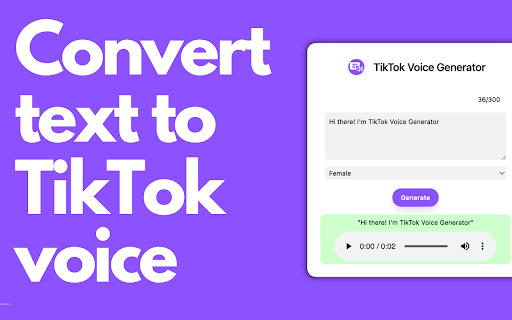
Tiktok Voice Generator Chrome Extension
Chrome extension for adding unique voiceovers to videos using TikTok's text-to-speech technology.
Screenshots
Overview
This Chrome extension brings TikTok's popular text-to-speech voices directly to your browser, letting you add distinctive voiceovers to videos without leaving your workflow. It taps into the same synthesized voices made famous by TikTok trends, making it simple for content creators, social media managers, and casual editors to generate unique narration that matches the platform's signature style. Just type your script, choose a voice, and drop the audio into your project. A handy tool for anyone looking to spice up short-form videos with recognizable, engaging vocal effects.
How to Use
Install the extension in Chrome, then open a video project and click the TikTok Voice icon to access text-to-speech options. Type or paste your script, select a voice style, and generate the voiceover directly into your video timeline.
Core Features
Use Cases
- 1 Adding engaging narration to TikTok videos
- 2 Creating unique sound effects for video personalization
- 3 Making videos more accessible with read-aloud text
Frequently Asked Questions
What features does the Tiktok Voice Generator Chrome Extension offer?
How can this extension enhance my videos?
Quick Info
- Category
- Voice Generation & Conversion
- Subcategory
- Tiktok AI Voice Generator
- Rating
- 5.0 / 5.0
- Saved
- 1





