AITextTune
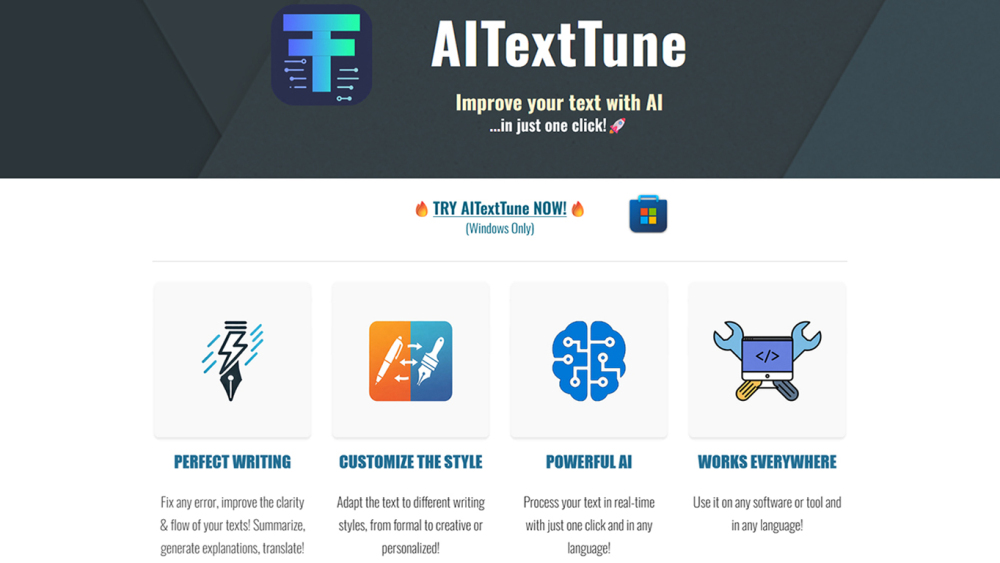
Improve your text with AI in just one click! Correct any errors, improve clarity and flow… change the style! Generate summaries, explanations and translate texts in 25+ different languages. Use it on any tool or software you're writing on and in any language. Revolutionize your writing in an instant!
Screenshots
Overview
AITextTune is a versatile AI writing tool that enhances your text with a single click. It corrects errors, improves clarity and flow, and allows you to change the style to suit your needs. Additionally, it generates summaries, provides explanations, and translates texts across more than 25 languages. Compatible with any writing application, it works seamlessly in any language, making it a valuable companion for students, professionals, and multilingual users. With AITextTune, you can instantly polish your writing, adapt its tone, or overcome language barriers, all from wherever you are already typing.
How to Use
Install the AITextTune extension and highlight any text you’re writing on any software. Click the tool to instantly correct errors, improve clarity, change the style, generate summaries or explanations, and translate into 25+ languages—all without leaving your current app.
Core Features
Use Cases
- 1 Writing Improvement
- 2 Text Rewriting & Paraphrasing
- 3 Grammar & Proofreading
- 4 Professional & Business Writing
- 5 Content Optimization
- 6 Text Summarization
- 7 Text Translation
- 8 Text Explanation & Understanding
- 9 Multilingual Writing
- 10 AI Chat & Prompt Customization
Frequently Asked Questions
What are the key features of AITextTune?
How does AITextTune improve the clarity and flow of text?
Can AITextTune summarize long form text?
Is AITextTune able to translate text into different languages?
How can I customize the style of my text using AITextTune?
Is it possible to modify the prompts sent to the artificial intelligence with the text to be processed?
What's the way to activate AITextTune?
Can I use AITextTune across different digital platforms?
How does AITextTune integrate with Google's Gemini AI?
Do I need an active Gemini API key to use AITextTune's Google Gemini integration?
Who might benefit from using AITextTune?
How does AITextTune help with content enhancement and language processing?
How to correct errors in my text using AITextTune?
Is it possible to get an explanation of a text?
Does it work with any language?
Is AITextTune a Windows only software?
Quick Info
- Category
- Writing & Editing
- Subcategory
- AI Writing
- Added on
- Jan 06 2026
- Monthly Visits
- --
- Rating
- 5.0 / 5.0


