ChatsNow: OpenAI ChatGPT SideBar - Chrome Extension
AI assistant using ChatGPT for writing, drawing, search enhancement, and Q&A.
Screenshots
Overview
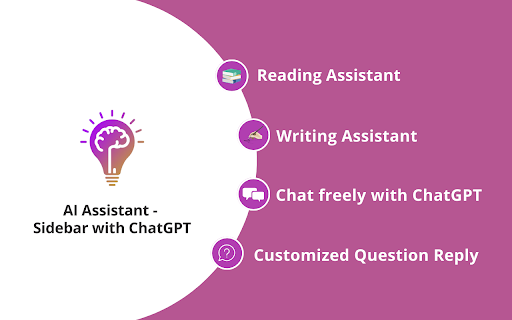
ChatsNow is a comprehensive Chrome extension that brings the power of OpenAI's ChatGPT directly into your sidebar, enhancing writing, drawing, search, and Q&A tasks. It acts as a versatile AI assistant available on any webpage, helping you draft emails, generate creative content, get instant answers, or even create simple drawings without switching tabs. By integrating ChatGPT's advanced language understanding into your browser, it streamlines research, boosts productivity, and expands your creative capabilities on the fly. It's an essential tool for anyone looking to leverage AI for everyday tasks with maximum convenience and minimal disruption to their workflow.
How to Use
Install the extension and pin it to your browser toolbar. Open the sidebar and choose a mode like writing, drawing, or Q&A. Type your prompt, ask a question, or request content. Review the AI's response and copy or insert it directly into your current page.
Core Features
Use Cases
- 1 Summarizing text
- 2 Rewriting content
- 3 Checking grammar
- 4 Writing papers
- 5 Translating languages
- 6 Generating AI drawings
- 7 Enhancing search results
- 8 Replying to social media content
Frequently Asked Questions
What features does the ChatsNow sidebar include?
Is ChatsNow compatible with all websites?
Can I use ChatsNow for free?
Quick Info
- Category
- Image Generation & Editing
- Subcategory
- Text to Image
- Added on
- Jun 03 2026
- Monthly Visits
- 10.0K
- Rating
- 4.8 / 5.0
- Reviews
- 612


