ChatGPT Image Generator - Chrome Extension
Chrome extension using ChatGPT to generate images for designers, marketers, and content creators.
Screenshots
Overview
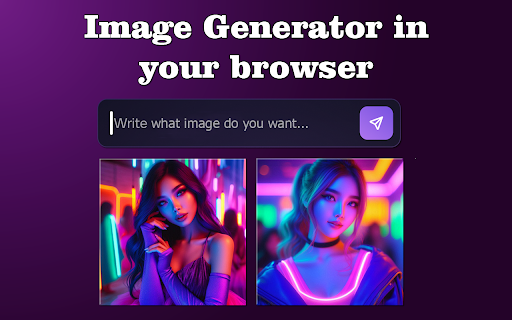
The ChatGPT Image Generator Chrome Extension is a practical tool that turns ChatGPT into a direct image generation engine for designers, marketers, and content creators. It adds a dedicated image tab inside the ChatGPT interface, enabling users to type a text prompt and receive a generated image without needing to switch to a separate tool. The extension supports multiple aspect ratios, style filters, and batch generation, which is particularly useful for social media creatives producing multiple variations at once. It also includes a lightweight editor for cropping or overlaying text before downloading.
How to Use
Install the extension, open ChatGPT, and click the new “Image” tab. Enter a description, choose aspect ratio and filter, then click Generate. Use the built-in editor to crop or add text, then export as PNG or JPEG.
Core Features
Use Cases
- 1 Quickly prototype design ideas
- 2 Create engaging visuals for marketing campaigns
- 3 Enhance blog posts and social media content
Frequently Asked Questions
Who is the ChatGPT Image Generator Chrome extension for?
How do I generate an image with this extension?
Can I use it for commercial projects?
Quick Info
- Category
- Image Generation & Editing
- Subcategory
- Text to Image
- Added on
- Jan 31 2025
- Monthly Visits
- 2.0K
- Rating
- 4.5 / 5.0
- Reviews
- 57


