Banono AI
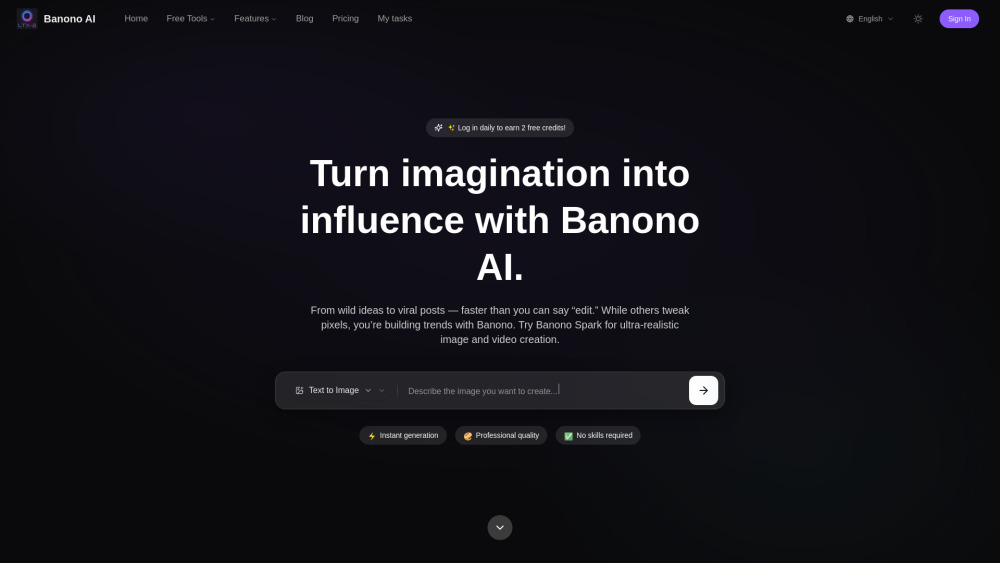
AI image and video editor powered by Google's Nano Banana model.
Screenshots
Overview
Banono AI is an advanced image and video editor built on Google's powerful Nano Banana model, designed for high-fidelity edits that preserve realism and context. It excels at tasks like object removal, background replacement, subject recoloring, and seamless inpainting, all within a user-friendly timeline. For video, it supports keyframe-based editing, allowing users to apply consistent changes across clips. Banono AI also includes a smart enhancement suite that denoises, sharpens, and upscales media without introducing artifacts. The integration with Nano Banana ensures that edits feel natural and integrated, making it a strong option for professional editors and content creators who need quick, believable visual fixes.
How to Use
Upload an image or video clip, then select an edit tool such as remove, replace, or enhance. For video, set keyframes at the start and end of the region you want to edit, then let the model interpolate the change. Use the preview mode to verify realism. Export in your chosen resolution, up to 4K.
Core Features
Use Cases
- 1 Create stunning AI-generated images from text descriptions for social media or professional use.
- 2 Generate jaw-dropping videos from text prompts or existing photos with stylistic consistency.
- 3 Transform existing images into new styles (e.g., cyberpunk, oil painting, anime) or compositions.
- 4 Enhance and modify photos by adjusting contrast, colors, lighting, or changing poses.
- 5 Produce ultra-realistic images and videos for campaigns, games, and digital products.
Frequently Asked Questions
What is the Nano Banana model in Banono AI?
What kind of video edits can I perform with Banono AI?
Does Banono AI work on low-end devices?
Quick Info
- Category
- Image Generation & Editing
- Subcategory
- Text to Image
- Added on
- Oct 27 2025
- Monthly Visits
- --
- Rating
- 5.0 / 5.0


