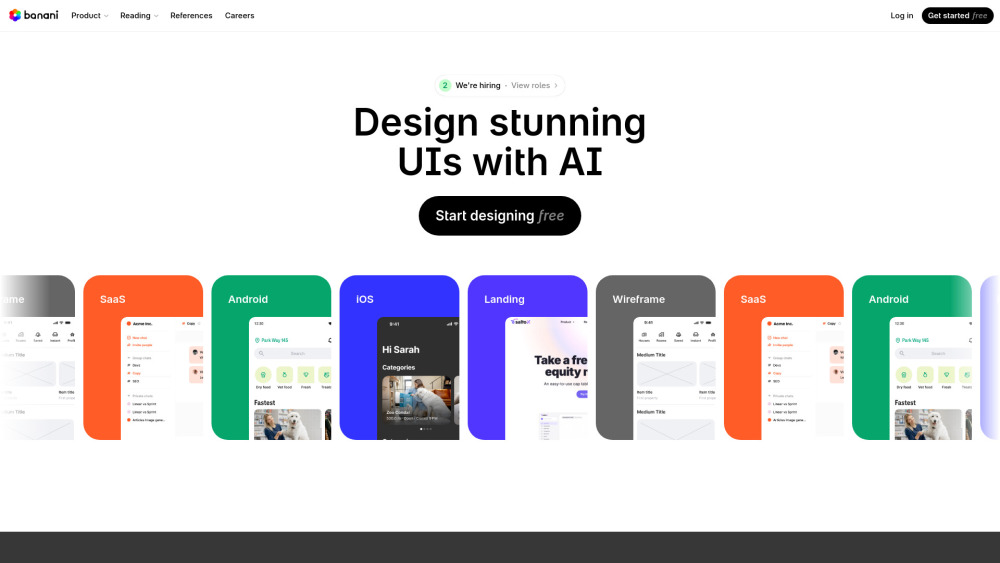
Screenshots
Overview
Banani is a specialized AI-powered UI design tool that converts natural language descriptions directly into functional, visually appealing user interfaces. It interprets text prompts to generate wireframes, layouts, color schemes, and component hierarchies, giving designers a strong starting point in seconds. Banani supports multiple output formats, including HTML/CSS, React, and Figma-compatible structures, making it easy to transition from concept to code. It also allows iterative refinement, where users can tweak prompts or edit individual components to fine-tune the layout. By automating repetitive layout tasks, Banani speeds up the prototype phase and helps non-designers create polished interfaces without manual pixel pushing.
How to Use
Enter a description of the UI you want, such as landing page, dashboard, or checkout flow. Specify any brand colors or layout preferences. Click generate and review the resulting wireframe or rendered UI. Edit the text prompt or select individual components to refine. Export the result as HTML, React, or Figma-ready files.
Core Features
Use Cases
- 1 Generating wireframes from text descriptions
- 2 Creating UI prototypes for SaaS, Android, iOS, and landing pages
- 3 Quickly iterating on UI designs based on feedback
- 4 Sharing designs with stakeholders for review
Frequently Asked Questions
How does Banani generate UI designs from text?
Can I edit the UI designs generated by Banani?
Is Banani useful for professional UI/UX designers?
Quick Info
- Category
- Image Generation & Editing
- Subcategory
- Text to Image
- Added on
- Apr 21 2025
- Monthly Visits
- 416.1K
- Rating
- 5.0 / 5.0





