UploadGPT
Enhances AI chat with file uploads, transcription, screenshot search, and versatile output options.
Screenshots
Overview
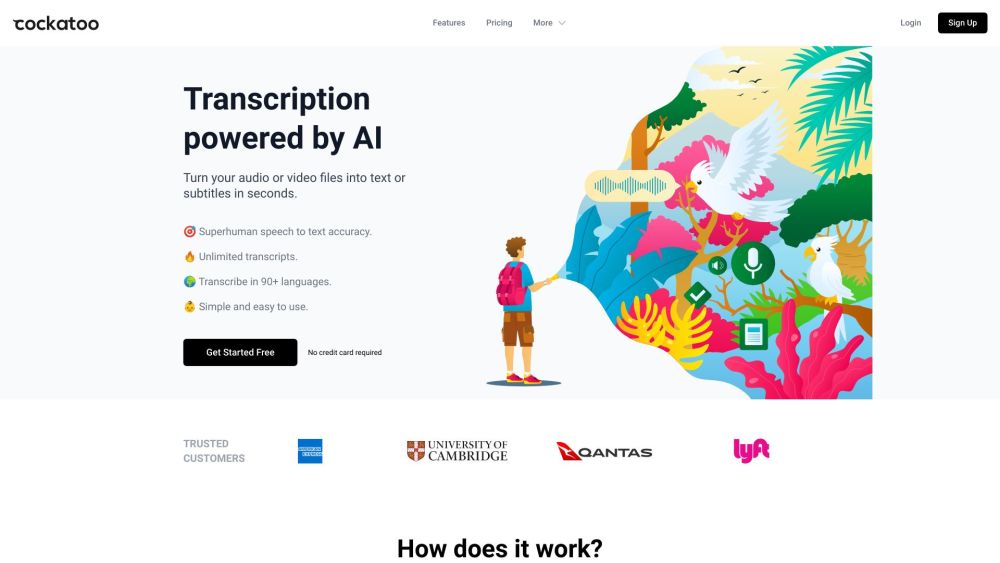
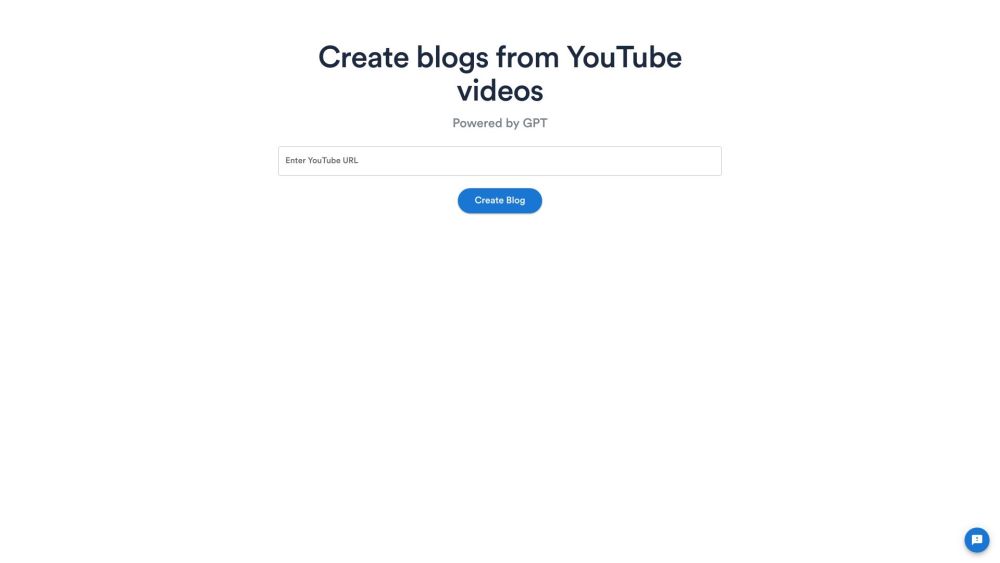
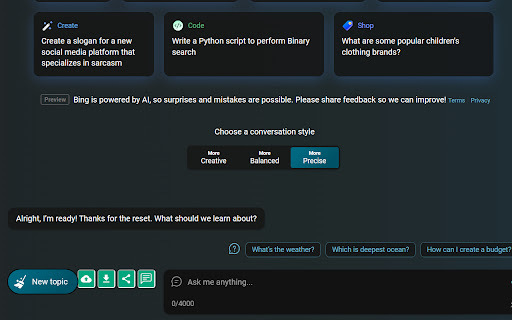
UploadGPT is a versatile Chrome extension that enhances AI chat platforms including ChatGPT, Google Bard, and Bing AI Chat. It lets users upload images, MP3, and MP4 files directly into chat interfaces, then provides instant, accurate text transcription of image, audio, and video content. Users can also search using screenshots, capturing a region of the screen and letting AI interpret it. Output can be downloaded in multiple formats such as Word, PPT, HTML, and PDF while preserving high image quality, and generated videos can be viewed directly inside the extension. It is a practical productivity companion for researchers, students, and professionals who work with mixed media in AI conversations.
How to Use
Upload files directly into your AI chat session to provide context. You can also transcribe audio, search through screenshots, and choose from various output formats for the AI's responses.
Core Features
Use Cases
- 1 Transcribing audio recordings of meetings directly within a chat interface.
- 2 Extracting text from images and using it in conversations with AI chatbots.
- 3 Searching for information using screenshots and discussing the results with an AI.
- 4 Converting lecture videos into text summaries and downloading them as PDFs.
Frequently Asked Questions
What file types are supported for upload?
Which AI chat platforms are compatible with UploadGPT?
What output file formats are available?
Quick Info
- Category
- Voice Generation & Conversion
- Subcategory
- Audio To Text AI
- Rating
- 5.0 / 5.0