ChatGPT Enhanced Prompting Tool
A ChatGPT enhancement tool with speech-to-text, prompts, and content selection.
Screenshots
Overview
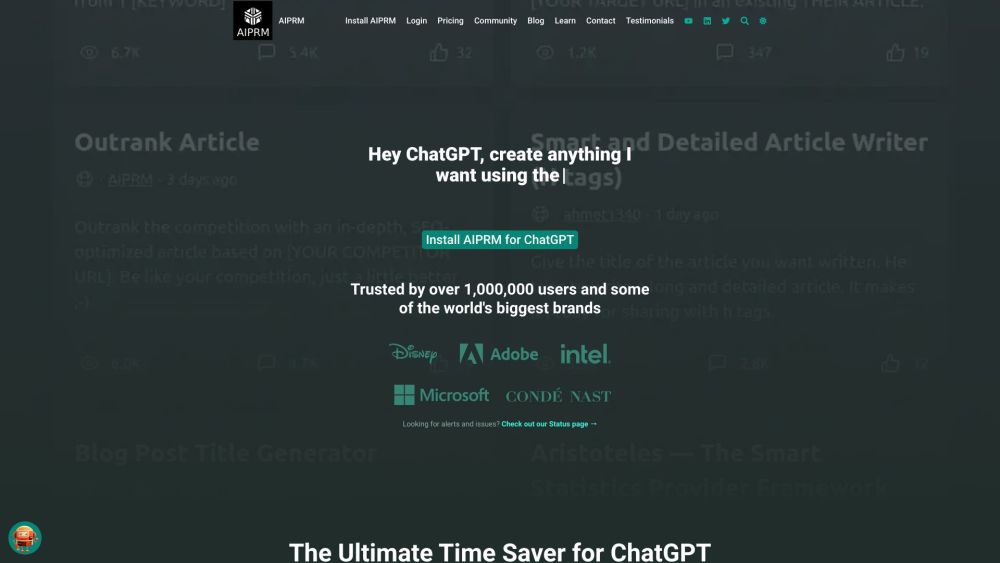
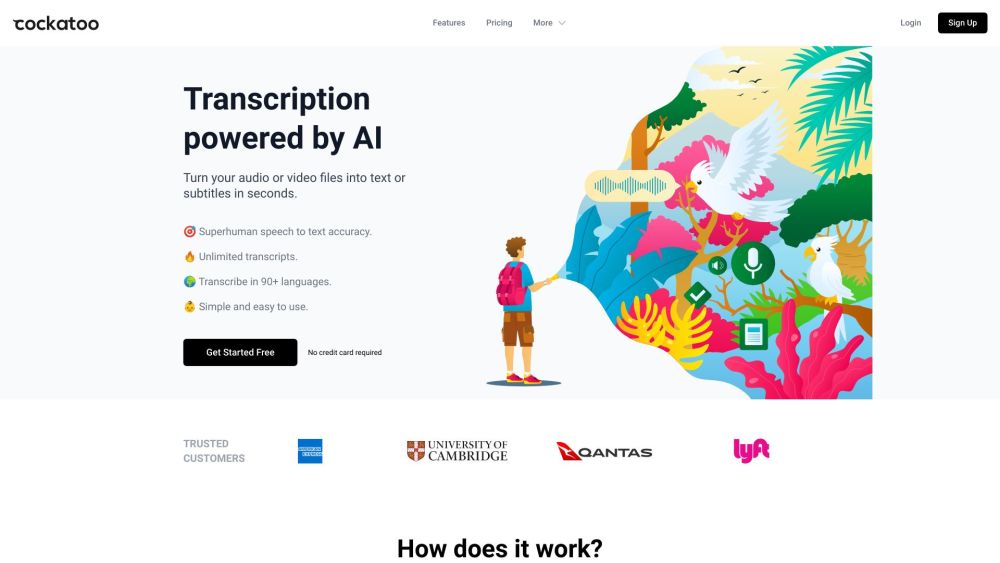
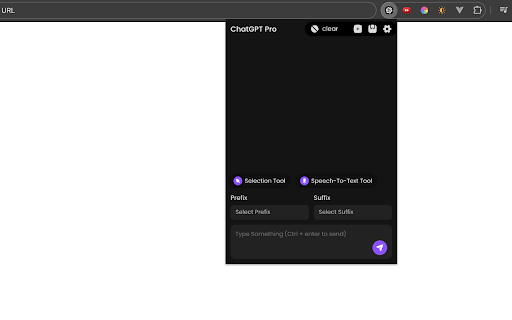
This Chrome extension supercharges the ChatGPT experience with advanced features designed to streamline every interaction. It includes speech-to-text conversion, letting users dictate prompts instead of typing, and a library of ready-made prompts that can be inserted as prefixes or suffixes to customize responses instantly. This eliminates the need to switch tabs or repeatedly type common prompts, keeping your workflow inside a single window. The tool also features a content selection utility that grabs text from websites that block copying, making research and quoting far easier. For frequent ChatGPT users, writers, and researchers, this extension reduces repetitive work and makes prompt engineering faster, cleaner, and more productive.
How to Use
Use the speech-to-text function to dictate your queries instead of typing. Select from built-in prompts or highlight specific content to refine how ChatGPT responds to your input.
Core Features
Use Cases
- 1 Assisting during tests and interviews by providing quick access to information and prompts
- 2 Streamlining research and content creation workflows
- 3 Automating repetitive prompting tasks
- 4 Quickly extracting text from websites that disable copying
Frequently Asked Questions
How does the speech-to-text feature work?
Can I edit prompts?
What is the purpose of the prefix/suffix prompt feature?
How do I use the selection tool?
Quick Info
- Category
- Voice Generation & Conversion
- Subcategory
- Audio To Text AI
- Rating
- 5.0 / 5.0