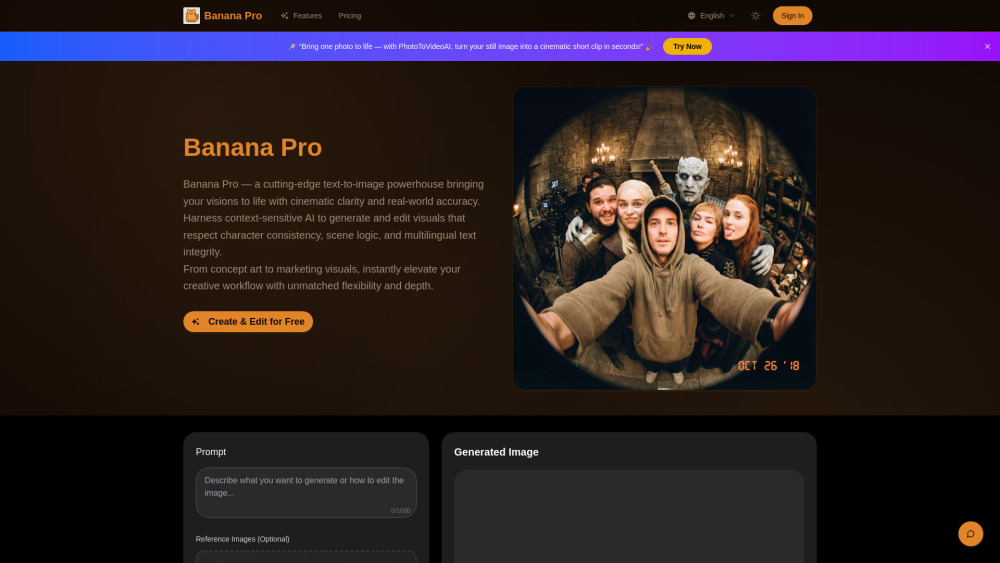
Banana Pro
Advanced AI image generator and editor for professional visuals.
Screenshots
Overview
Banana Pro is an advanced AI image generator and editor built specifically for professionals who demand the highest quality visuals in their work. It builds upon standard AI imaging by offering more powerful control, higher resolution outputs, and refined editing tools that cater to photographers, advertisers, and graphic designers. Banana Pro supports raw image handling, precise color grading, intricate retouching, and complex compositing, all powered by a sophisticated AI backend that understands context and light. The interface is tailored for efficiency, featuring keyboard shortcuts, layer-based editing, and non-destructive workflows. It also provides access to a library of professional presets and the ability to train custom models for brand-specific aesthetics, ensuring that every output is polished, unique, and ready for commercial release.
How to Use
Import a high-resolution image or generate one from a prompt in the Banana Pro editor. Use the layer-based tools for detailed retouching, apply color grading or style presets, and take advantage of AI-assisted features like subject selection before exporting in professional formats.
Core Features
Use Cases
- 1 Designing original characters and maintaining their consistency for comics, concept art, and branding.
- 2 Generating imaginative landscapes, interior scenes, or atmospheric backdrops for games, films, and digital art.
- 3 Producing high-quality product visuals, mockups, and marketing images for e-commerce and advertising.
- 4 Creating visual assets and storyboards for game development, filmmaking, and visual storytelling.
Frequently Asked Questions
How is Banana Pro different from standard AI editors?
What file formats or resolutions does it support?
Do I need a subscription to access Banana Pro?
Quick Info
- Category
- Image Generation & Editing
- Subcategory
- Text to Image
- Added on
- Dec 04 2025
- Monthly Visits
- --
- Rating
- 5.0 / 5.0


