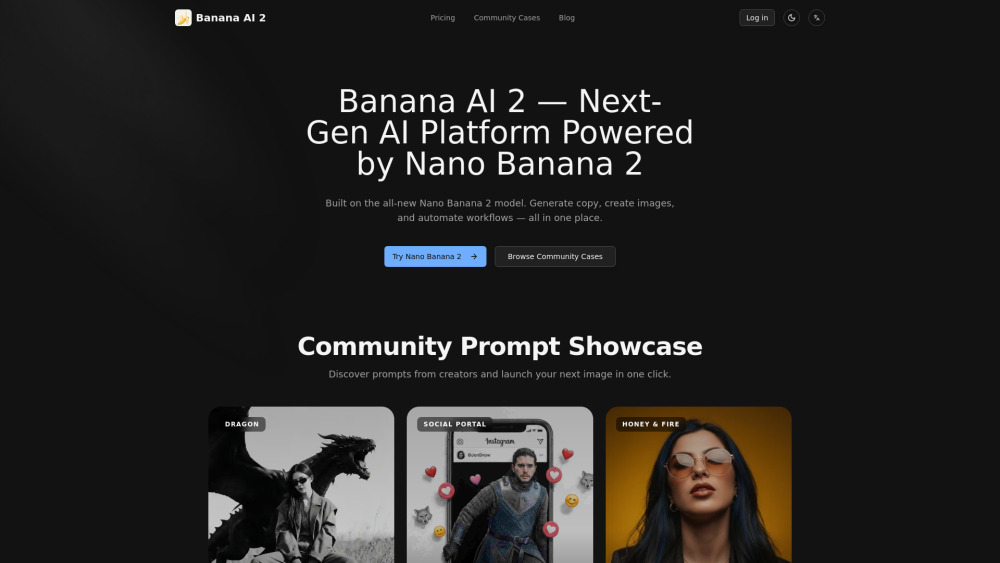
Banana AI 2
Next-gen AI platform for image generation, 3D editing, and creative workflow automation.
Screenshots
Overview
Banana AI 2 represents the next generation of AI-driven creative platforms, combining high-quality image generation, advanced 3D editing capabilities, and automated workflow tools to supercharge creative pipelines. It is designed for artists, game developers, and content creators who need to produce large volumes of visuals efficiently. The platform can generate objects and scenes, edit them in a 3D space, and integrate them into broader creative workflows with minimal manual intervention. Automation features allow for batch processing, style consistency across projects, and seamless integration with popular design software. Banana AI 2 aims to reduce repetitive tasks, letting professionals focus on high-level creative decisions while the AI handles the heavy lifting of rendering, modification, and asset management. It is a comprehensive suite that bridges the gap between imagination and production.
How to Use
After logging in, choose a task like image generation, 3D editing, or workflow automation. For 3D work, upload a model or image, use the spatial editing tools to modify structure and texture, and set up automated actions for batch processing before exporting.
Core Features
Use Cases
- 1 Commercial Design & Ads: Building product mockups and promotional assets.
- 2 Digital Content Production: Crafting video thumbnails and social media posts.
- 3 Art & Concept Illustration: Turning abstract ideas into detailed visual masterpieces.
- 4 Vintage Photo Restoration: Enhancing blurry or degraded pictures.
Frequently Asked Questions
What is “3D editing” in Banana AI 2?
How does creative workflow automation help me?
Is it suitable for beginners or only pros?
Quick Info
- Category
- Image Generation & Editing
- Subcategory
- Text to Image
- Added on
- Feb 28 2026
- Monthly Visits
- --
- Rating
- 5.0 / 5.0


