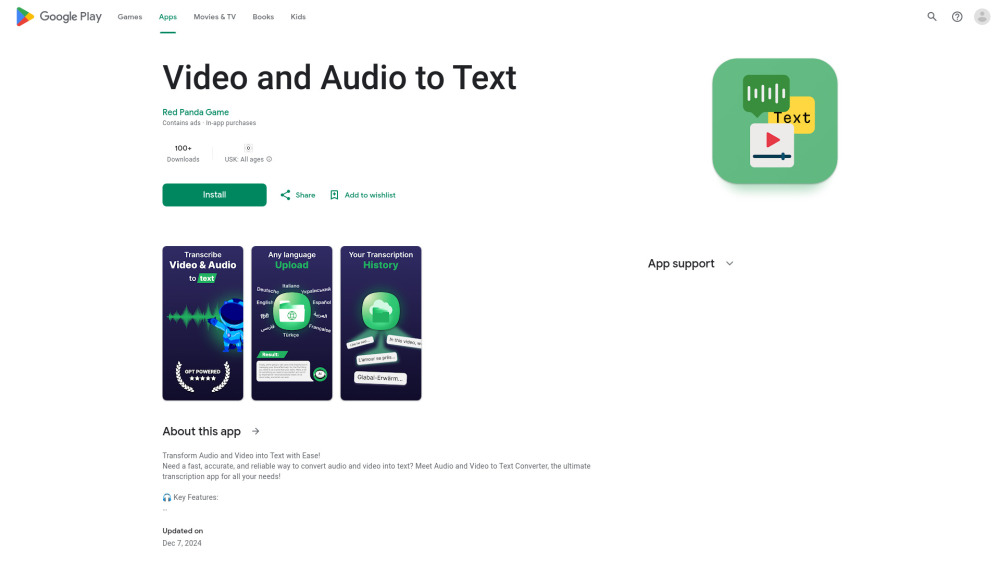
Video and Audio to Text
App to convert audio and video files into accurate text transcripts.
Screenshots
Overview
Video and Audio to Text is a straightforward Android app that converts audio and video files into accurate text transcripts. Its clean, minimal interface keeps things simple: pick a file, let the AI engine process it, and read or export the finished transcript moments later. The speech recognition handles both recordings and audio extracted from videos, producing clean text that is easy to edit, copy, or share. It suits creators transcribing their own content, students turning lectures into notes, and professionals capturing meetings in writing without wrestling with complicated software.
How to Use
Open the app and select your audio or video file from your device. The tool processes the file and converts the spoken content into a text transcript. After the conversion finishes, you can review, edit, or share the resulting text.
Core Features
Use Cases
- 1 Students & Educators: Convert lecture recordings into notes or study materials.
- 2 Journalists & Professionals: Document meetings, interviews, or important conversations.
- 3 Content Creators: Generate captions or subtitles for YouTube videos, reels, or TikToks.
- 4 Everyday Users: Transform voice memos, family videos, or any recordings into text easily.
Frequently Asked Questions
What file formats does the app support?
How secure is my data when using the app?
What is the accuracy of the transcriptions?
Quick Info
- Category
- Voice Generation & Conversion
- Subcategory
- Audio To Text AI
- Added on
- Dec 22 2024
- Monthly Visits
- --
- Rating
- 5.0 / 5.0



