Banana AI
AI image generator and editor powered by Google Nano Banana technology.
Screenshots
Overview
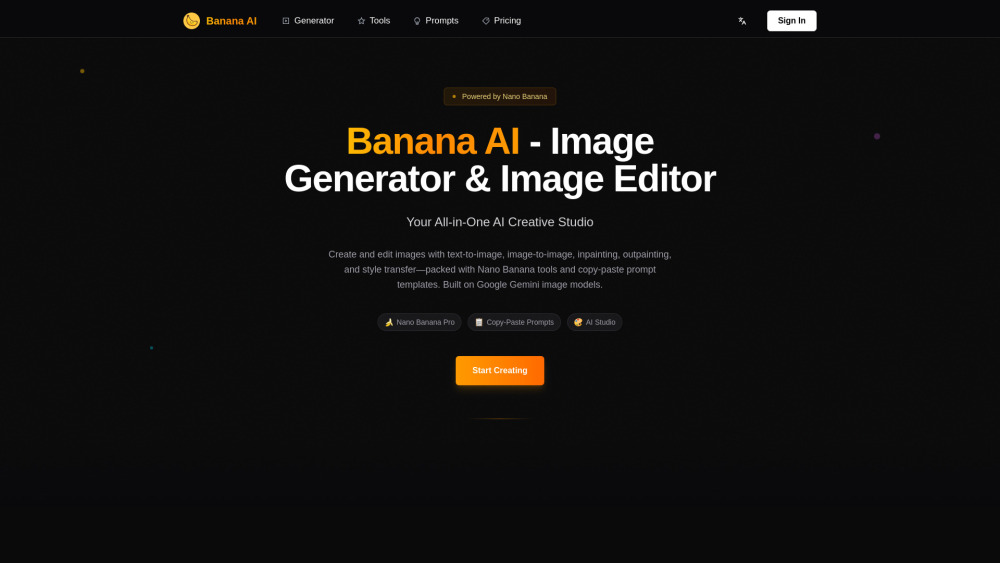
Banana AI is an image generator and editor that leverages the cutting-edge Google Nano Banana technology to deliver exceptional visual results. This tool focuses on making advanced AI imaging accessible to everyone, allowing users to create original pictures from text prompts, edit existing photos with intuitive tools, and apply smart enhancements that preserve detail and realism. The Nano Banana engine is known for its speed and accuracy, enabling real-time previews and rapid iteration. Whether you are a designer looking for quick concept art, a marketer creating social media visuals, or a hobbyist exploring digital art, Banana AI provides a streamlined interface and powerful backend. Its editing capabilities include object removal, background swapping, and style transfer, all executed with high fidelity.
How to Use
Open the Banana AI web app, then either type a text prompt to generate a new image or upload an image to edit. Use the on-screen tools for tasks like inpainting or style transfer, adjust parameters as needed, and render or download the final image.
Core Features
Use Cases
- 1 Generating custom images from text prompts.
- 2 Editing specific areas of an image (inpainting/outpainting).
- 3 Creating professional content like AI Headshots or stylized art (e.g., 3D Cartoon Scene, Portrait Art).
- 4 Removing or changing image backgrounds and watermarks.
- 5 Maintaining consistent character identity across multiple edited images.
Frequently Asked Questions
What is Google Nano Banana technology?
Can I edit existing photos with Banana AI?
Is a Google account required to use it?
Quick Info
- Category
- Image Generation & Editing
- Subcategory
- Text to Image
- Added on
- Jan 18 2026
- Monthly Visits
- 16.3K
- Rating
- 5.0 / 5.0


