MixMemo - Visual AI Canvas
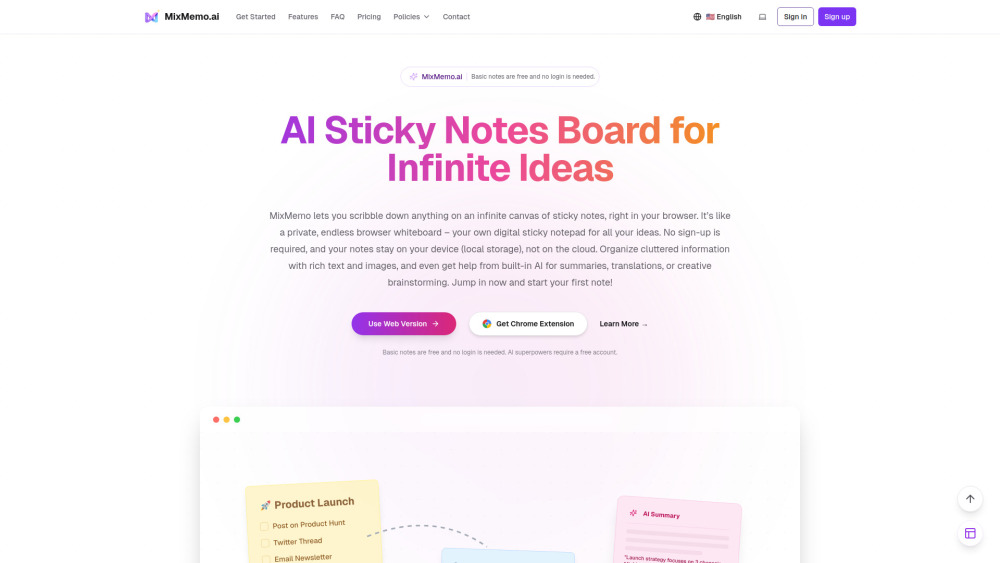
Turn PDFs, Excel, and images into AI summaries & flashcards on an infinite canvas (Get 100 Free AI Credits!).
Screenshots
Overview
MixMemo is a browser-based visual workspace that turns documents into organized study material on an infinite canvas. Users drag PDFs, Excel files, or images onto the canvas and let AI summarize them, placing key insights right next to the original text. It also turns highlighted lecture notes into interactive quiz flashcards and extracts data from spreadsheets or images. Privacy is a priority: basic notes stay locally in the browser via IndexedDB, and data only reaches the cloud when AI features are used. New users who sign in with Google receive 100 free AI credits.
How to Use
Upload your PDFs, Excel files, or images onto the infinite canvas. The AI generates summaries and flashcards for each document. You can then organize them visually and use the flashcards for study or review.
Core Features
Use Cases
- 1 For Students & Researchers: Drop a lengthy PDF into the canvas, generate a visual summary, and instantly create flashcards for exam prep.
- 2 For Data Analysts & Professionals: Paste a complex Excel file or table screenshot to extract data and generate actionable insights visually.
- 3 For Visual Thinkers & Designers: Brainstorm and organize chaotic ideas on an endless digital whiteboard without linear constraints.
Frequently Asked Questions
Do I need to create an account to start using MixMemo?
Is my data safe and private?
What can I do with the 100 Free AI Credits?
Quick Info
- Category
- Image Analysis
- Subcategory
- Image to Prompt
- Added on
- Mar 10 2026
- Monthly Visits
- --
- Rating
- 5.0 / 5.0



