Bear Eraser - AI Remove Object
AI-powered iOS app for removing objects from photos using Apple CoreML.
Screenshots
Overview
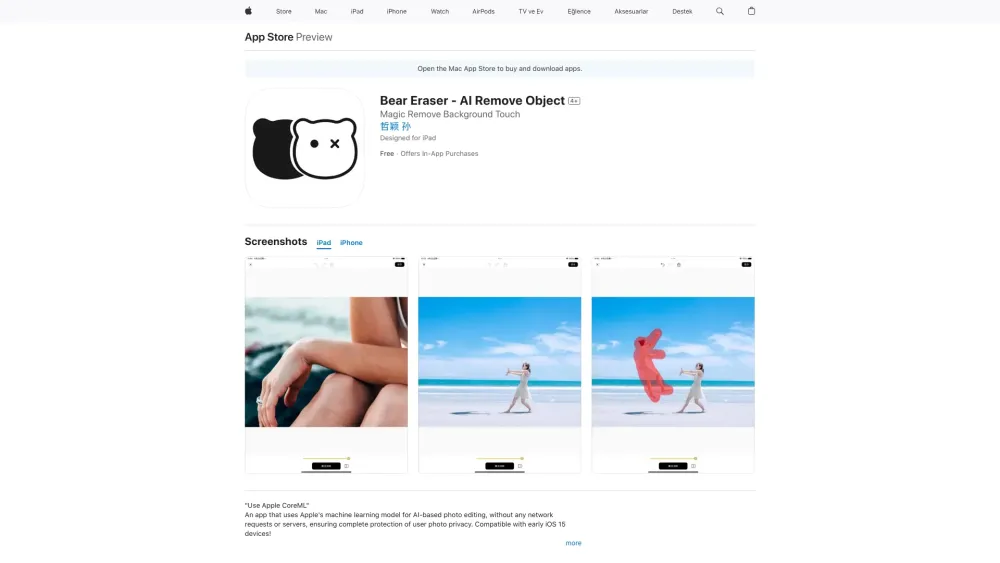
Bear Eraser is an iOS app that uses artificial intelligence and Apple's CoreML framework to remove unwanted objects from photos. Users can simply brush over a person, blemish, or distracting element, and the app reconstructs the background cleanly. Aimed at both casual iPhone photographers and mobile-first creators, it offers a convenient on-device solution without needing desktop software. The integration with CoreML ensures quick processing and privacy, as images stay on the device. It is a handy tool for turning cluttered snapshots into clean, shareable images.
How to Use
Open a photo in Bear Eraser, then brush over the object you want removed. The AI processes the selection and fills the area with surrounding details. Save the cleaned image back to your library.
Core Features
Use Cases
- 1 Removing unwanted people from photos
- 2 Removing watermarks from images
- 3 Removing tattoos or blemishes
- 4 Removing sensitive information from screenshots
- 5 Cleaning up cluttered photos
Frequently Asked Questions
Does Bear Eraser require an internet connection?
What types of objects can Bear Eraser remove?
Is Bear Eraser compatible with older iOS devices?
Quick Info
- Category
- Image Generation & Editing
- Subcategory
- Object Remover AI
- Added on
- May 20 2024
- Monthly Visits
- --
- Rating
- 5.0 / 5.0
- Saved
- 1





