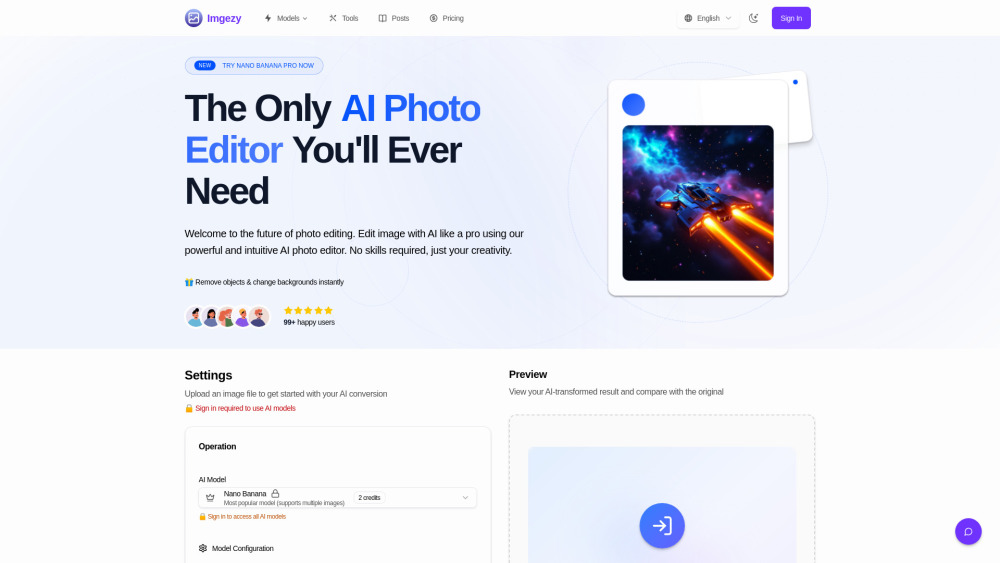
Imgezy
AI image editor for instant photo editing and enhancement.
Screenshots
Overview
Imgezy is an ultimate AI image editor designed to instantly edit and enhance images online. It leverages artificial intelligence to allow users to remove objects, change backgrounds, and upscale photos with a single click. The platform aims to provide professional-grade results with consumer-level simplicity, making advanced photo editing accessible to everyone, regardless of their design experience.
How to Use
Using Imgezy involves three simple steps: 1. Upload Your Image: Drag and drop or select a file (JPG, PNG, WebP). 2. Describe Your Edit: Type instructions in a text box, e.g., "Remove the person on the left" or "Change the background to a sunny beach." 3. Download & Share: Watch the AI transform the image in seconds, then preview and download the high-resolution result.
Core Features
Use Cases
- 1 Etsy shop owners creating professional product shots without hiring a photographer.
- 2 Content creators editing images for social media posts.
- 3 Photography hobbyists fixing old family photos by removing unwanted objects.
- 4 E-commerce managers creating marketplace-compliant product images in bulk.
- 5 Travel bloggers clearing crowds from landmark photos.
- 6 Social media influencers experimenting with new looks for profile pictures.
Frequently Asked Questions
What is the best way to get good results when I edit image with AI?
Is Imgezy truly the best free AI image editor?
What kind of photos can I upload?
How do you protect the privacy of my photos?
Can I use Imgezy for commercial purposes?
How long does it take to edit a photo?
Quick Info
- Category
- Image Generation & Editing
- Subcategory
- Object Remover AI
- Added on
- Dec 18 2025
- Monthly Visits
- 5.3K
- Rating
- 5.0 / 5.0


