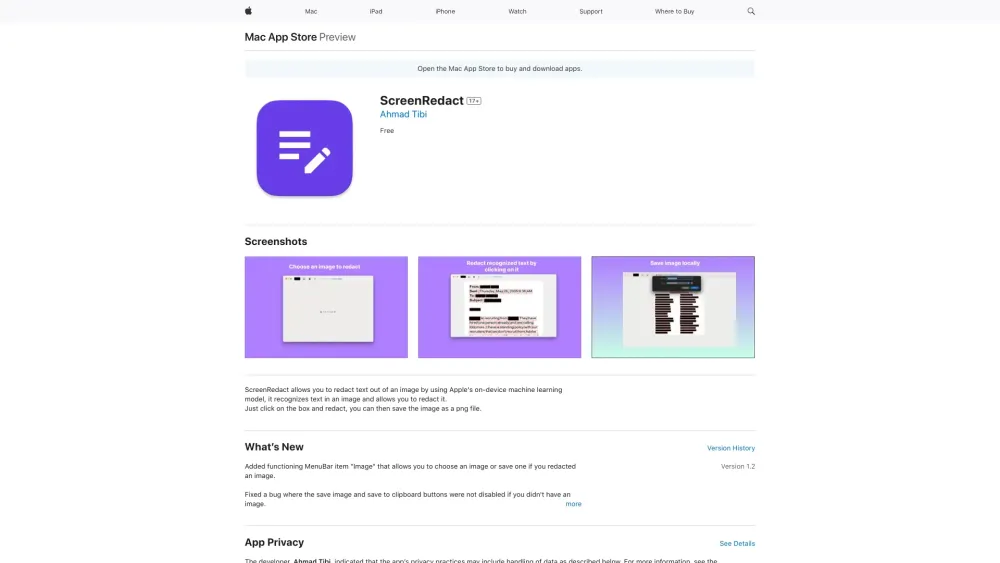
ScreenRedact
Mac app for redacting text in images using on-device machine learning.
Screenshots
Overview
ScreenRedact is a Mac application that redacts sensitive text in images using Apple's on-device machine learning. When a user opens a screenshot or photo, the app recognizes the text within it and presents a simple interface for covering the parts that should stay private, such as names, addresses, or passwords. Because all recognition happens on the device, images never have to be uploaded to a server. The finished image is saved as a PNG file, ready for sharing or archiving. Journalists, support agents, and anyone who frequently posts screenshots can remove sensitive details before the image leaves their machine.
How to Use
Launch ScreenRedact on your Mac and import the image containing sensitive text. Use the built-in tools to select and redact specific text areas in the photo. The app processes redactions locally using on-device machine learning, ensuring your data remains private. Save the redacted image when done.
Core Features
Use Cases
- 1 Redacting sensitive information from screenshots before sharing them.
Frequently Asked Questions
What is ScreenRedact?
How do I use ScreenRedact?
Is ScreenRedact free?
What are the system requirements for ScreenRedact?
Quick Info
- Category
- Image Generation & Editing
- Subcategory
- Object Remover AI
- Added on
- Jun 20 2024
- Monthly Visits
- --
- Rating
- 5.0 / 5.0
- Saved
- 1


