Appicons.ai
AI-powered app icon generator for iOS and Android.
Screenshots
Overview
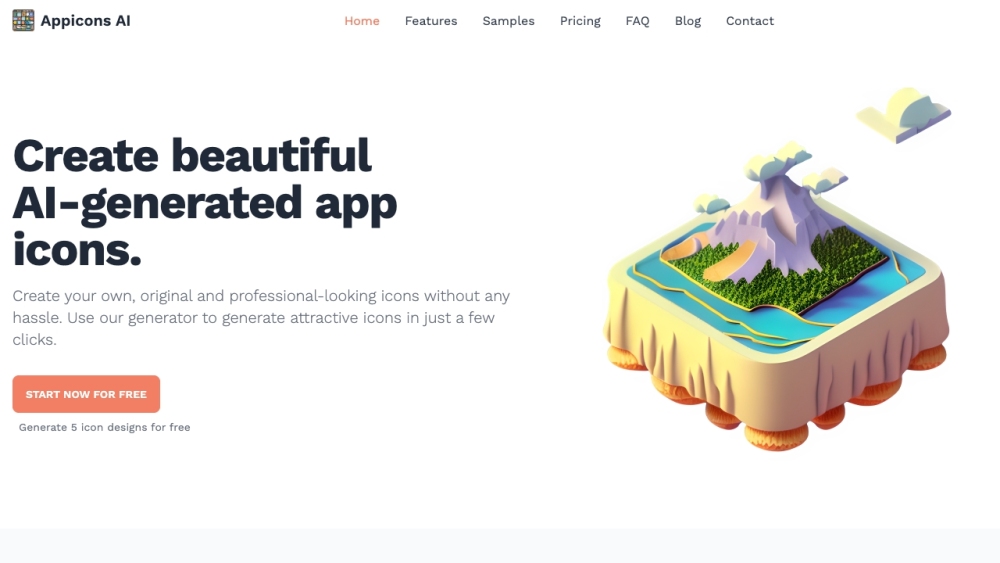
Appicons.ai is a specialized AI-powered tool designed to generate app icons for iOS and Android platforms. It removes the guesswork and design skill needed to create professional, platform-compliant icons. Users input their app name, choose a style (minimalist, 3D, gradient, etc.), and the AI produces multiple icon variations. The tool ensures icons meet the technical requirements for app stores, including proper dimensions and scaling. This is a huge time-saver for indie developers, startups, and designers who want polished branding without hiring a professional. Appicons.ai focuses solely on this niche, delivering high-quality, ready-to-use results.
How to Use
Enter your app's name and describe its purpose or theme. Select a visual style and color palette. The AI generates several icon options—review, tweak if needed, and download the final icon in required sizes.
Core Features
Use Cases
- 1 Creating app icons for iOS and Android mobile applications
- 2 Generating icons for desktop applications
- 3 Quickly creating multiple icon options for A/B testing
Frequently Asked Questions
Do I need design skills to create an app icon with Appicons.ai?
Can Appicons.ai generate icons for both iOS and Android?
How quickly can I get an app icon with Appicons.ai?
Quick Info
- Category
- Image Generation & Editing
- Subcategory
- Text to Image
- Added on
- Mar 07 2023
- Monthly Visits
- 38.9K
- Rating
- 5.0 / 5.0
- Saved
- 8





