Object Remover
Free AI tool to erase unwanted objects from photos using a brush tool.
Screenshots
Overview
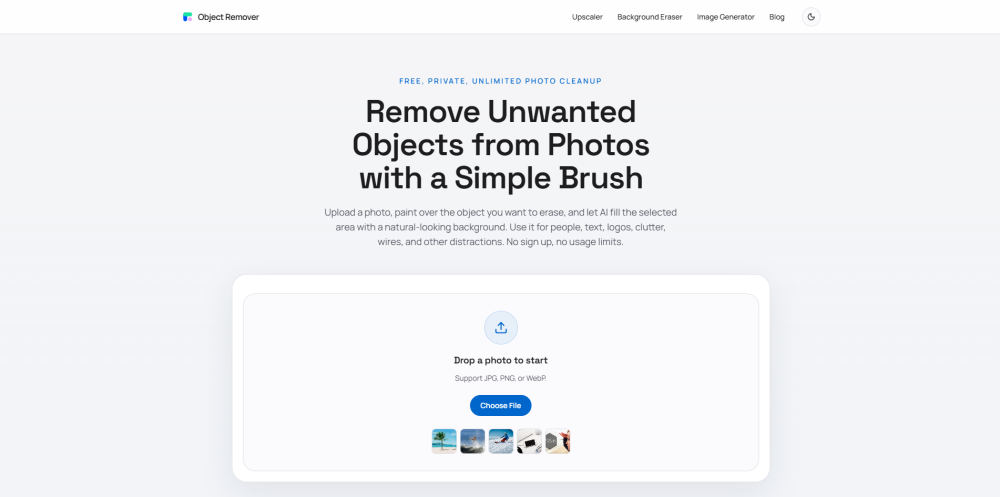
Object Remover is a free, privacy-first web tool that cleans up photos by erasing unwanted elements with AI inpainting. Users upload an image, brush over distractions such as people, text, logos, clutter, or stray wires, and the AI fills the selected area with natural-looking texture, color, and lighting. No technical experience and no account registration are required, so it works instantly for casual users. The privacy-first approach means photos are handled without unnecessary account ties. Photographers cleaning shots, sellers fixing product photos, and everyday users removing photobombers can finish the job in seconds.
How to Use
Open the Object Remover tool and upload your image. Use the brush tool to paint over the unwanted object or area you want to erase. The AI automatically fills the selected region with realistic surrounding details. Preview the result and download the edited photo for free.
Core Features
Use Cases
- 1 Removing tourists and background clutter from travel photos
- 2 Cleaning up product photos for e-commerce listings by removing dust and props
- 3 Erasing cables, wires, and visual distractions from real estate and architectural shots
- 4 Removing text, timestamps, captions, and watermarks from images
- 5 Fixing portrait backgrounds by removing photobombers and wall marks
- 6 Polishing food photography by removing crumbs, stains, and extra utensils
Frequently Asked Questions
Is this AI object remover really free?
Do I need editing skills to remove objects?
Are my uploaded photos safe?
Will the background look natural after removal?
Is this the same as a background remover?
Quick Info
- Category
- Image Generation & Editing
- Subcategory
- Object Remover AI
- Added on
- May 25 2026
- Monthly Visits
- 75.7K
- Rating
- 5.0 / 5.0





