ChatGPT Email Reply
Chrome extension for generating smart email replies in Gmail using ChatGPT.
Screenshots
Overview
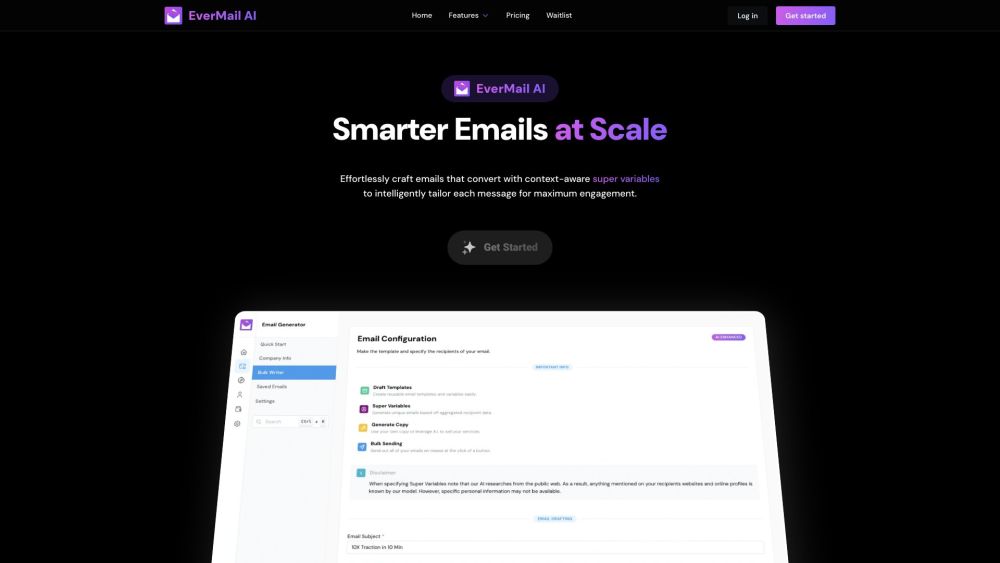
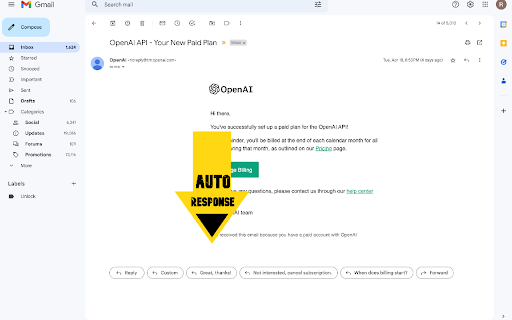
ChatGPT Email Reply is a Chrome extension that brings the intelligence of ChatGPT directly into your Gmail to generate smart, contextual replies. When you receive a message, you can use the extension to instantly draft an appropriate response, saving you the effort of composing from scratch. It acts as an intelligent assistant that understands the context and can match your desired tone, be it formal, friendly, or concise. This tool is perfect for anyone looking to accelerate their email workflow using Gmail while maintaining a personal touch in their replies.
How to Use
Install the extension in Chrome, open a Gmail conversation, and click the extension icon. It uses ChatGPT to generate a contextual reply based on the email thread, which you can refine or send directly.
Core Features
Use Cases
- 1 Quickly respond to common email inquiries
- 2 Generate professional and well-written email replies
- 3 Save time on email communication
- 4 Improve email response efficiency
Frequently Asked Questions
How does the ChatGPT Email Reply extension work?
Is the ChatGPT Email Reply extension free to use?
Does the extension have access to my emails?
Quick Info
- Category
- Writing & Editing
- Subcategory
- AI Email Writer
- Rating
- 5.0 / 5.0