Screenshots
Overview
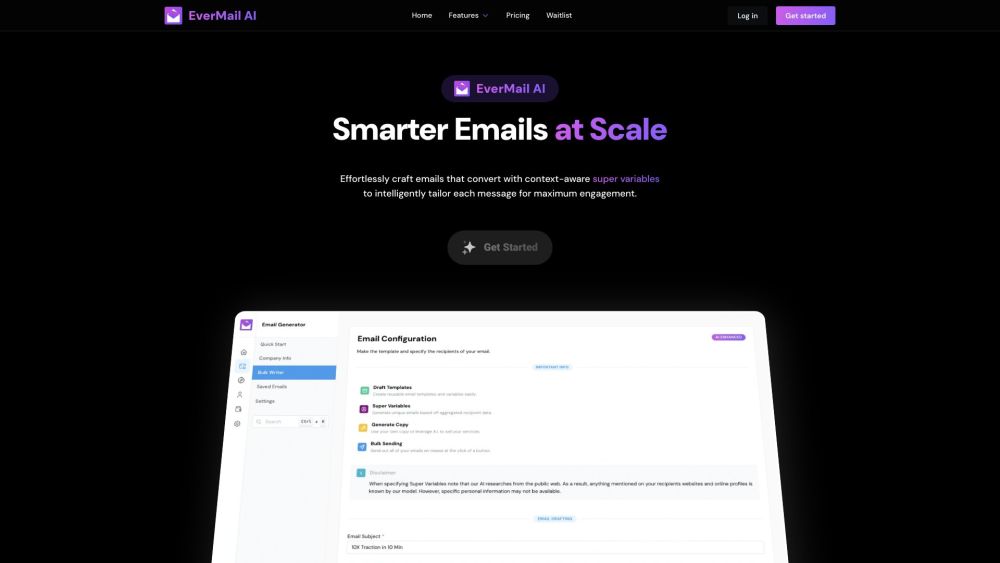
GhostWrite is an AI email assistant that utilizes ChatGPT and other AI technologies to automate the email writing process. It allows users to reply, compose, and write emails instantly from just a few words. It works with Outlook, Gmail, and Zendesk.
How to Use
Install the GhostWrite Chrome extension and use it within your email client (Outlook, Gmail, Zendesk) to generate replies, compose emails, and correct grammar using AI.
Core Features
AI-powered email composition Smart replies Grammar and spelling correction Email template saving and reuse Support for multiple email platforms
Use Cases
- 1 Generating full-length emails from short phrases or bullet points
- 2 Writing professional-sounding emails instantly
- 3 Automatically drafting replies
- 4 Automating follow-up emails
Frequently Asked Questions
What platforms does GhostWrite support?
GhostWrite works with popular email platforms such as Gmail, letting you draft messages right where you already work.
What can GhostWrite do?
It can draft, rewrite, and improve email messages using ChatGPT's writing ability.
Is GhostWrite easy to use?
Yes, it fits into your normal email workflow with minimal setup.
Quick Info
- Category
- Writing & Editing
- Subcategory
- AI Email Writer
- Rating
- 5.0 / 5.0
- Saved
- 1