Ready to Send
AI email assistant for Gmail that generates personalized draft replies automatically.
Screenshots
Overview
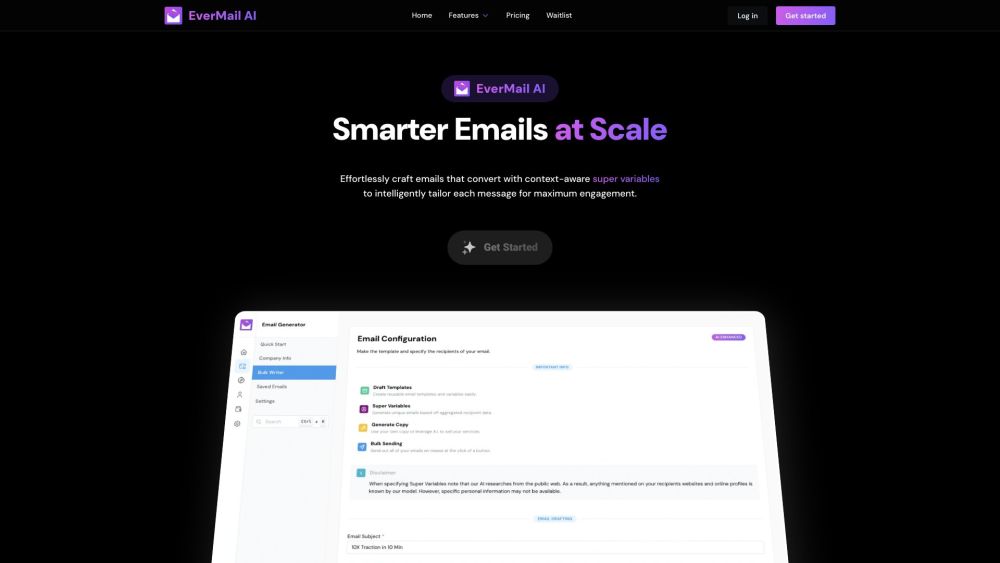
Ready to Send is an AI email assistant that works directly within Gmail to generate personalized draft replies automatically. Rather than offering generic responses, it considers the context of each conversation and creates tailored messages that match the situation and the recipient. This makes it ideal for busy professionals who reply to many emails daily and want to stay personal without spending hours writing. The tool aims to be smarter than quick-reply templates by understanding nuance and crafting drafts that feel human, so you can review, tweak, and hit send with confidence — or let the AI handle the heavy lifting entirely.
How to Use
Connect Ready to Send to your Gmail account and let it analyze incoming messages. When you receive an email, the tool automatically creates a personalized draft reply, which you can review, tweak, and send with minimal effort.
Core Features
Use Cases
- 1 Professionals increasing communication velocity with responses to common scenarios.
- 2 Businesses auto-generating customer support responses with product information and policies.
- 3 Individuals achieving Inbox Zero by quickly responding to emails with thoughtful responses.
Frequently Asked Questions
How do I install Ready to Send?
Is my data private and secure?
Does Ready to Send work on mobile devices?
Does Ready to Send support other languages?
How does Ready to Send know which emails to respond to?
Can I personalize the auto-generated responses?
Quick Info
- Category
- Writing & Editing
- Subcategory
- AI Email Writer
- Added on
- Aug 10 2023
- Monthly Visits
- --
- Rating
- 5.0 / 5.0
- Saved
- 2