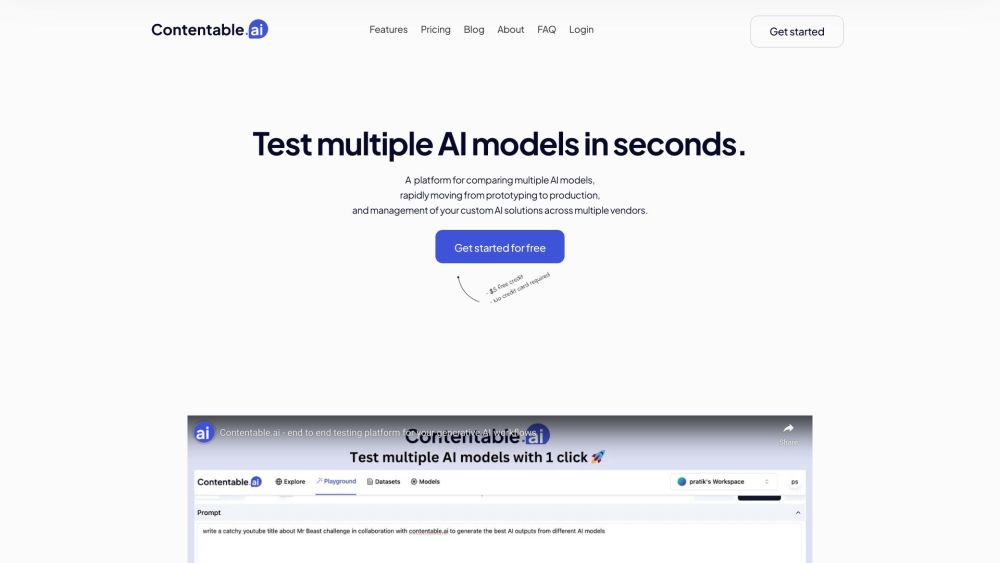
Contentable.ai
End-to-end testing platform for generative AI models.
Screenshots
Overview
Contentable.ai provides end-to-end testing for generative AI models, helping teams validate outputs before release. It enables users to evaluate accuracy, consistency, safety, and performance across various scenarios, streamlining the quality assurance process for AI products. The platform is designed for organizations that rely on LLMs and multimodal models and need structured, repeatable testing procedures. It is especially useful for developers, QA teams, and product managers who want to catch issues early and maintain high standards in AI-generated content.
How to Use
How to use Contentable.ai? Users can compare models side-by-side, test prompts, design workflows, and share models with their team. The platform allows for prompt management across multiple vendors and provides shareable links for users to consume the models and provide feedback.
Core Features
Use Cases
- 1 Contentable.ai's Use Cases
- 2 Comparing the performance of different AI models from OpenAI, Google, and Llama.
- 3 Testing different prompts to optimize AI model outputs.
- 4 Designing complex AI workflows without coding.
- 5 Sharing AI models with users for real-world application and feedback.
Frequently Asked Questions
How many LLM providers are supported by Contentable?
How can I test different prompts in the playground?
Can I finetune my model?
How many models can I compare side by side in the playground?
How can I save a model and share it with my users?
Can I compare the chat functionality from multiple models?
Can I share the playground view with my team members?
Quick Info
- Category
- Writing & Editing
- Subcategory
- Prompt Engineering
- Added on
- Oct 02 2023
- Monthly Visits
- --
- Rating
- 5.0 / 5.0
- Saved
- 3