Mano
AI tool simplifying tasks with expert agents and one-click actions via Chrome extension.
Screenshots
Overview
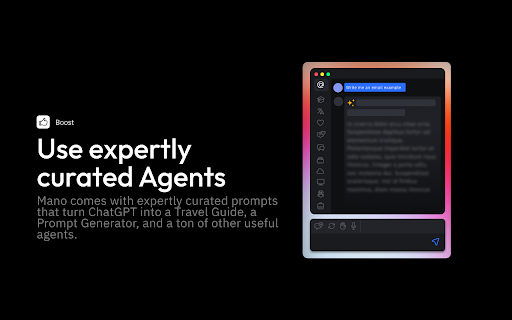
Mano is an AI tool that simplifies everyday tasks through expert agents and one-click actions, accessible via a Chrome extension. Users can automate complex workflows or get specialized assistance with just a click, reducing manual effort across various digital tasks. It's intended for individuals seeking to boost productivity without learning new software. By combining AI expertise with intuitive execution, Mano helps users accomplish more efficiently, from content creation to data organization.
How to Use
Click the Chrome extension icon to open the assistant, then select from available expert agents or one-click actions. Describe your task, and the AI will execute or guide you through it, saving time on repetitive or complex activities directly from your browser.
Core Features
Use Cases
- 1 Write emails like a native speaker
- 2 Get human-like answers to searches
- 3 Boost social media engagement
- 4 Fix code bugs faster
Frequently Asked Questions
How do I access Mano?
What can Mano do?
Where can I get help with Mano?
Quick Info
- Category
- Writing & Editing
- Subcategory
- AI Prompt Generator
- Rating
- 5.0 / 5.0