Mano
AI tool simplifying tasks with expert agents and one-click actions via Chrome extension.
5.0
Rating
Screenshots
Overview
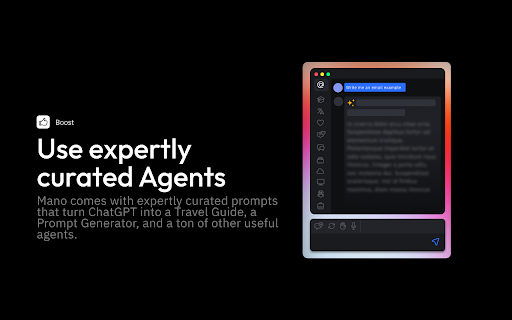
Mano is an AI-powered tool designed to simplify daily tasks by providing instant assistance through a Chrome extension. By pressing ⌥ + m, users can access a range of features, including expert agents, one-click actions, web search capabilities, screen access, and article summarization.
How to Use
Install the Chrome extension from https://www.usemano.com. Press ⌥ + m to activate Mano and access its features, such as expert agents, one-click actions, and web search.
Core Features
Expert Agents (Travel Guide, Prompt Generator, etc.) One-click actions (summarize, explain, ask questions) Web search integration Screen access Article summarization
Use Cases
- 1 Write emails like a native speaker
- 2 Get human-like answers to searches
- 3 Boost social media engagement
- 4 Fix code bugs faster
Frequently Asked Questions
How do I access Mano?
Mano is a Chrome extension, so you install it from the Chrome Web Store and open it from your browser toolbar. It works right inside your browser with one-click actions.
What can Mano do?
Mano simplifies tasks using expert AI agents and one-click actions, such as summarizing, rewriting, or automating repetitive work on the page you are viewing.
Where can I get help with Mano?
You can get help through Mano's official website and support documentation. The extension also includes a help and feedback section for contacting the team.
Quick Info
- Category
- Writing & Editing
- Subcategory
- AI Prompt Generator
- Rating
- 5.0 / 5.0