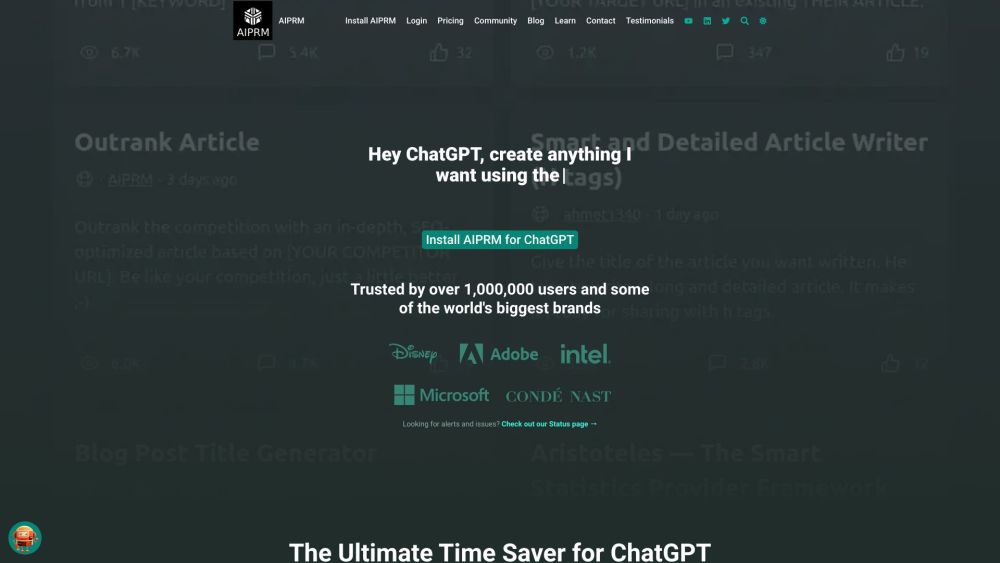
ChatGPT for Search Engines - Prompt Templates
Chrome extension displaying ChatGPT responses alongside search engine results.
Screenshots
Overview
ChatGPT for Search Engines - Prompt Templates brings ChatGPT responses directly into your search engine results page. This Chrome extension displays generated answers alongside traditional listings, offering quick, AI-powered insights without leaving your search tab. It is built for anyone who wants more context, clarity, or creative alternatives while searching. Whether you're researching, comparing options, or brainstorming ideas, the tool enriches the standard search experience by layering accessible, conversational AI on top of it.
How to Use
Install the Chrome extension, then perform a normal search on your preferred search engine. ChatGPT responses will appear alongside the regular results, allowing you to compare AI-generated answers with traditional listings without switching tabs.
Core Features
Use Cases
- 1 Generating blog outlines
- 2 Creating email newsletters
- 3 Writing poems
- 4 SEO optimization
- 5 Marketing content creation
- 6 Programming assistance
Frequently Asked Questions
What search engines are supported by this extension?
How do I trigger ChatGPT responses?
Can I use my own OpenAI API key?
How can I share prompts and receive donations?
Quick Info
- Category
- Writing & Editing
- Subcategory
- AI Prompt Generator
- Rating
- 5.0 / 5.0
- Saved
- 2