GPT4 Chat Settings
Chrome extension for enhanced GPT4 chat with custom prompts and formatting.
Screenshots
Overview
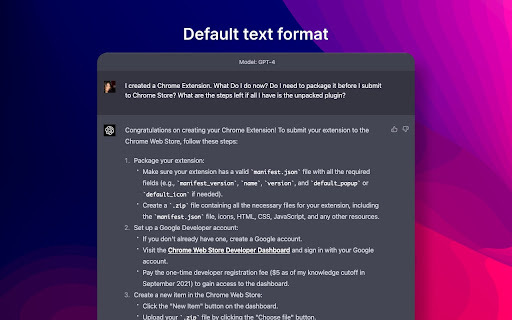
GPT4 Chat Settings is a Chrome extension designed to enhance the GPT4 chat experience. It provides prompts for GPT4 chat sessions, helping users achieve optimal formatting. Users can add custom prompts, save them locally, copy prompts to the clipboard, and clear instructions. This tool is specifically designed for GPT4 and may not function correctly with other GPT versions.
How to Use
1. Navigate to a GPT4 chat session. 2. Click the extension icon to open the popup. 3. Add custom instruction prompts in addition to the default prompts. 4. Click the "💾 Save" button. 5. Click the "📋 Copy Instructions" button. 6. Enter the copied instructions in the chat box as your first message. 7. To clear custom prompts, click the "❌ Clear Instructions" button.
Core Features
Use Cases
- 1 Improving the formatting and quality of GPT4 chat responses
- 2 Saving and reusing custom prompts for different chat sessions
Frequently Asked Questions
Does GPT4 Chat Settings work with other GPT versions?
How do I use the custom prompts I've added?
Quick Info
- Category
- Writing & Editing
- Subcategory
- AI Prompt Generator
- Rating
- 5.0 / 5.0