Magic Keys by Snack Prompt
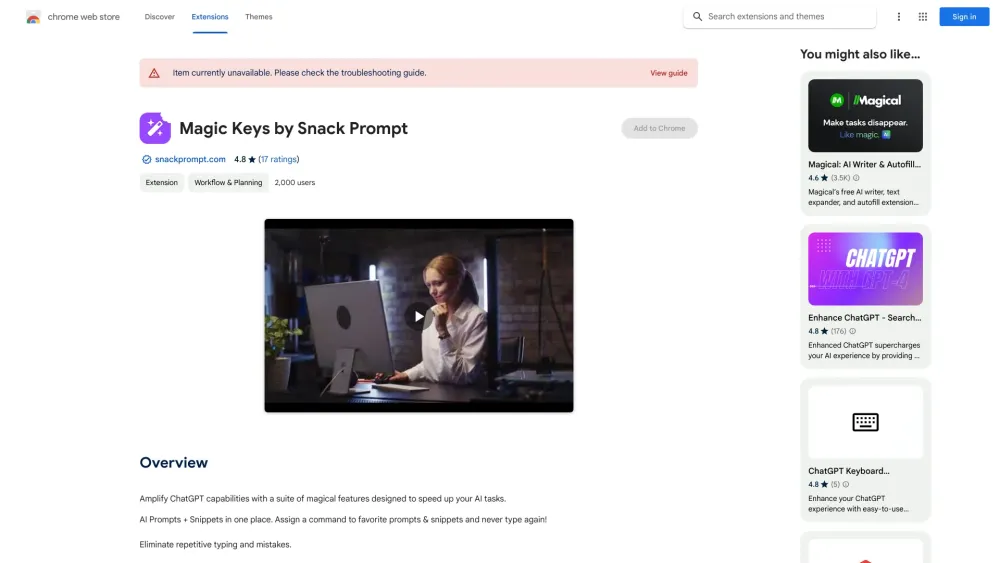
A tool to save, organize, and automate AI prompts and snippets for increased productivity.
Screenshots
Overview
Magic Keys by Snack Prompt is a productivity tool that helps you save, organize, and automate your most-used AI prompts and snippets. Instead of retyping recurring commands, you can assign shortcuts that instantly insert your saved prompts, trigger multi-step automation sequences, or keep notes alongside your AI tools. It's tailored for power users—writers, developers, marketers—who want to streamline repetitive workflows and bring a higher level of efficiency to their everyday AI interactions.
How to Use
Install Magic Keys by Snack Prompt, then open the tool to create or import your AI prompts and snippets. Organize them into folders or tags, and set up shortcut keys for instant access. When using an AI tool, trigger a saved prompt via its shortcut to automate repetitive tasks and boost productivity.
Core Features
Use Cases
- 1 Quickly insert frequently used AI prompts into ChatGPT, Bard, or other LLMs.
- 2 Automate repetitive typing tasks when working with AI models.
- 3 Organize and manage a library of AI prompts and snippets for easy access.
Frequently Asked Questions
What LLMs does Magic Keys work with?
Where can I use my snippets?
How does Magic Keys increase productivity?
Quick Info
- Category
- Writing & Editing
- Subcategory
- AI Prompt Generator
- Rating
- 5.0 / 5.0